

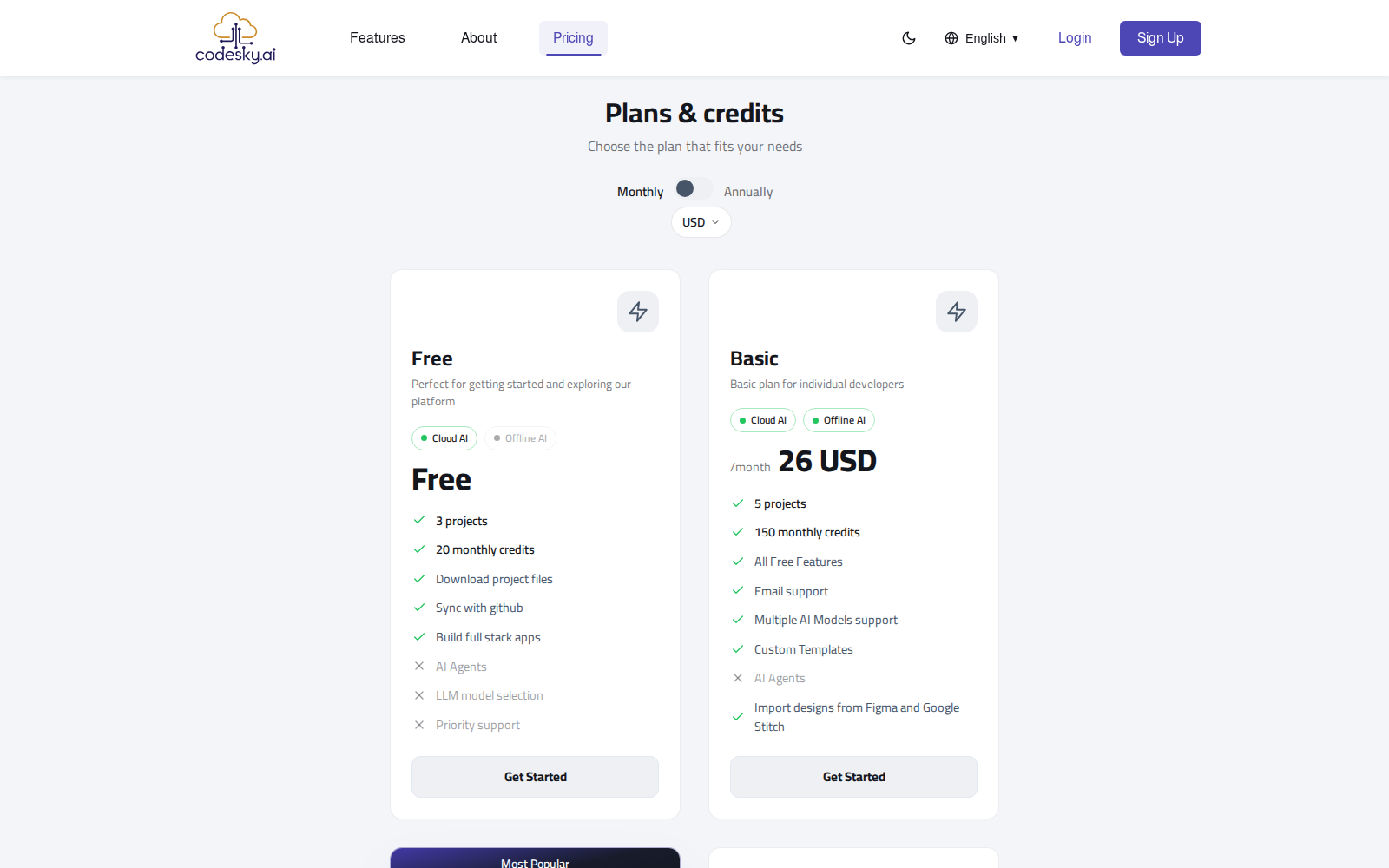
CodeSky uses a simple model: you choose a plan, and your plan gives you credits that power the AI as you build. Understanding how credits work helps you build more while spending less.
How plans work
CodeSky offers different plan tiers to match how much you build. In general:
- Free or entry tiers are great for trying CodeSky and building smaller projects.
- Higher tiers include more credits and suit frequent builders or larger, more ambitious apps.
You can start small and move to a higher tier whenever you need more room to build. Pick the tier that fits how often you create and how big your projects are.
How credits are used
Credits are what the AI spends when it does work for you. In broad terms, actions that ask the AI to generate or change your app use credits, while simply browsing your projects or viewing your app does not.
A few things influence how many credits an action uses:
- The size of the request. Generating a whole app or a big change uses more than a small tweak.
- The model you choose. More powerful models can use more credits than lighter, faster ones.
- How much back-and-forth it takes to get a result you are happy with.
Thinking of each build request as spending a little of your credits helps you plan your work and get the most from your plan.
Tips for using credits efficiently
A few simple habits go a long way:
- Plan in chat mode first. Talk through your idea without generating, so your build request is clear before it uses credits.
- Write clear, complete prompts. A well-described request is more likely to give you what you want on the first try, avoiding extra rounds.
- Make focused requests. One clear change at a time is easier to get right than a vague, sprawling one.
- Match the model to the task. Use a lighter model for simple changes and save stronger models for complex work.
- Attach references like images or documents so the AI hits closer to your vision sooner.
- Build the core first, then refine. Get the main app working, then polish details with small follow-ups.
Keeping an eye on your credits
It is worth checking your remaining credits from time to time so you always know where you stand. If you find yourself building more than your plan comfortably allows, moving to a higher tier gives you more room to create.