
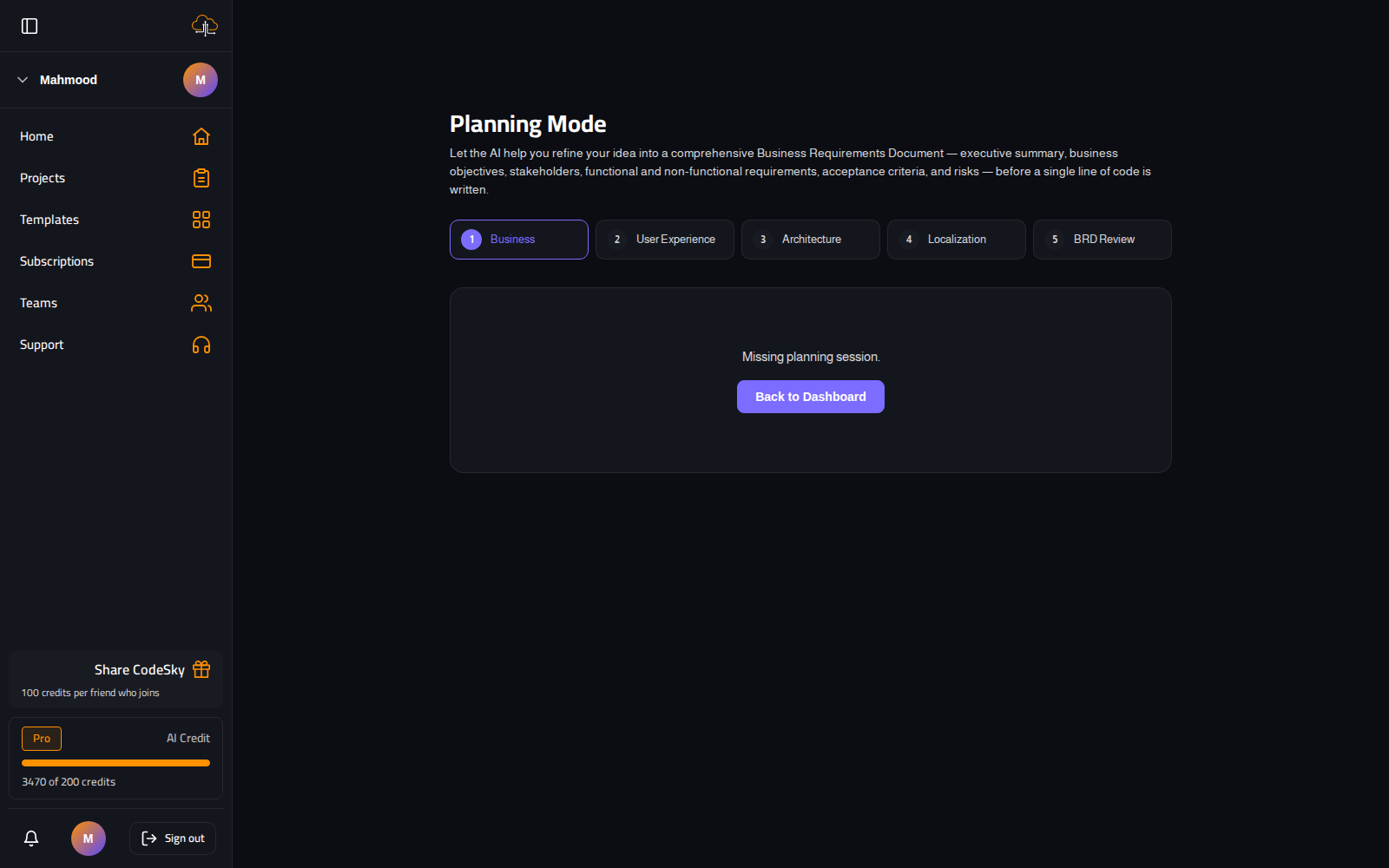
Planning Mode lets the AI help you turn a rough idea into a clear plan — a Business Requirements Document covering objectives, requirements, acceptance criteria and risks — before any code is written. You end up with a better-built app and documentation to match.
How it works
- Turn on Plan first on the new-project box before you start.
- Move through the wizard phases, answering the AI's questions at each step.
- Review the assembled Business Requirements Document and edit anything that is off.
- Approve the plan; CodeSky builds from the agreed requirements.
Tip: Invest in the Business and Architecture phases — clear goals and a sound structure are what most improve the result.
For the full walkthrough and the autonomous goal-run that can build from your plan, see the Desktop Editor guide on Planning Mode.