
The web designer lets you build a full app in the browser — no install required. You describe what you want, the AI generates it, and you refine it with chat while a live preview updates beside you.
Build your first app
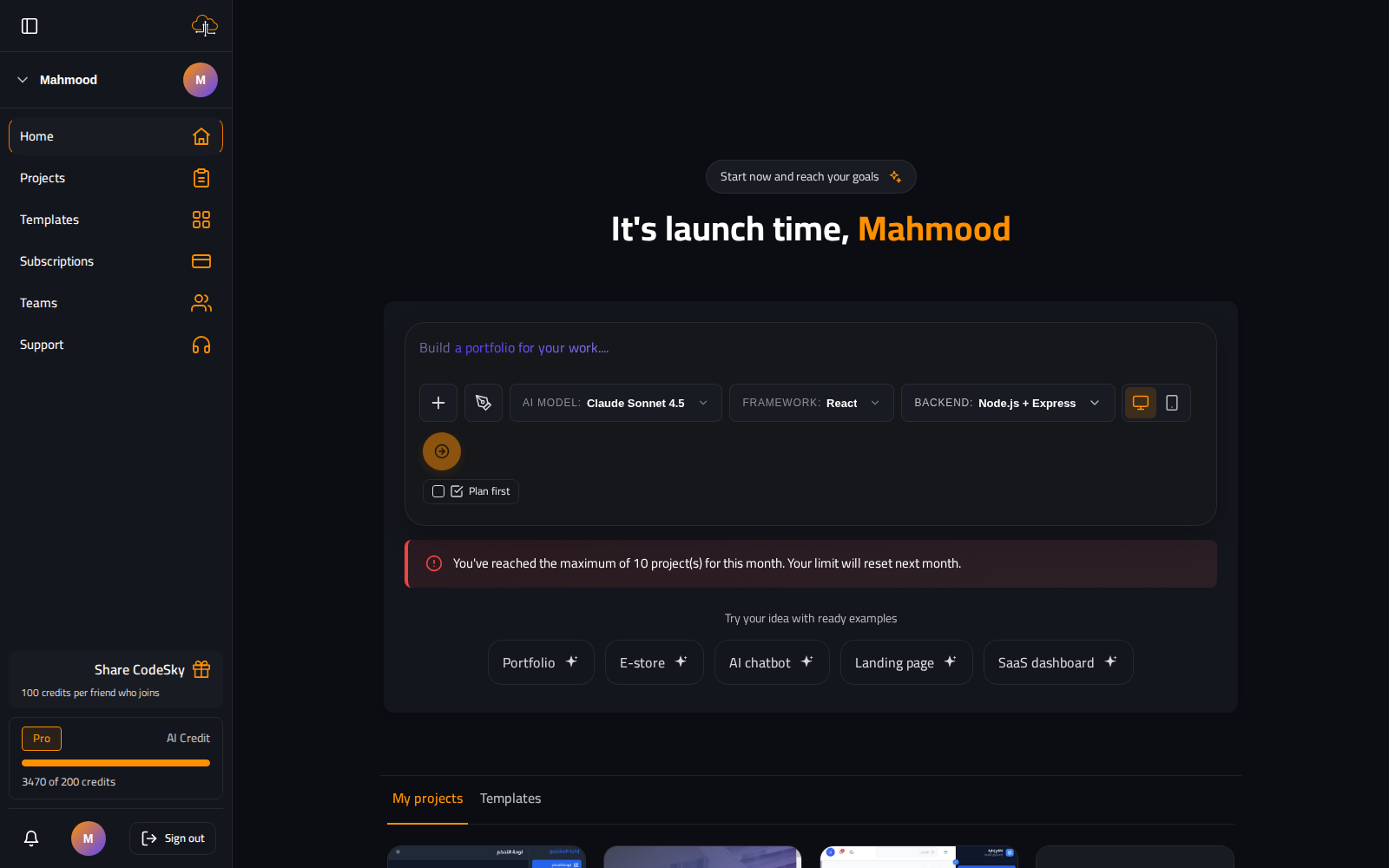
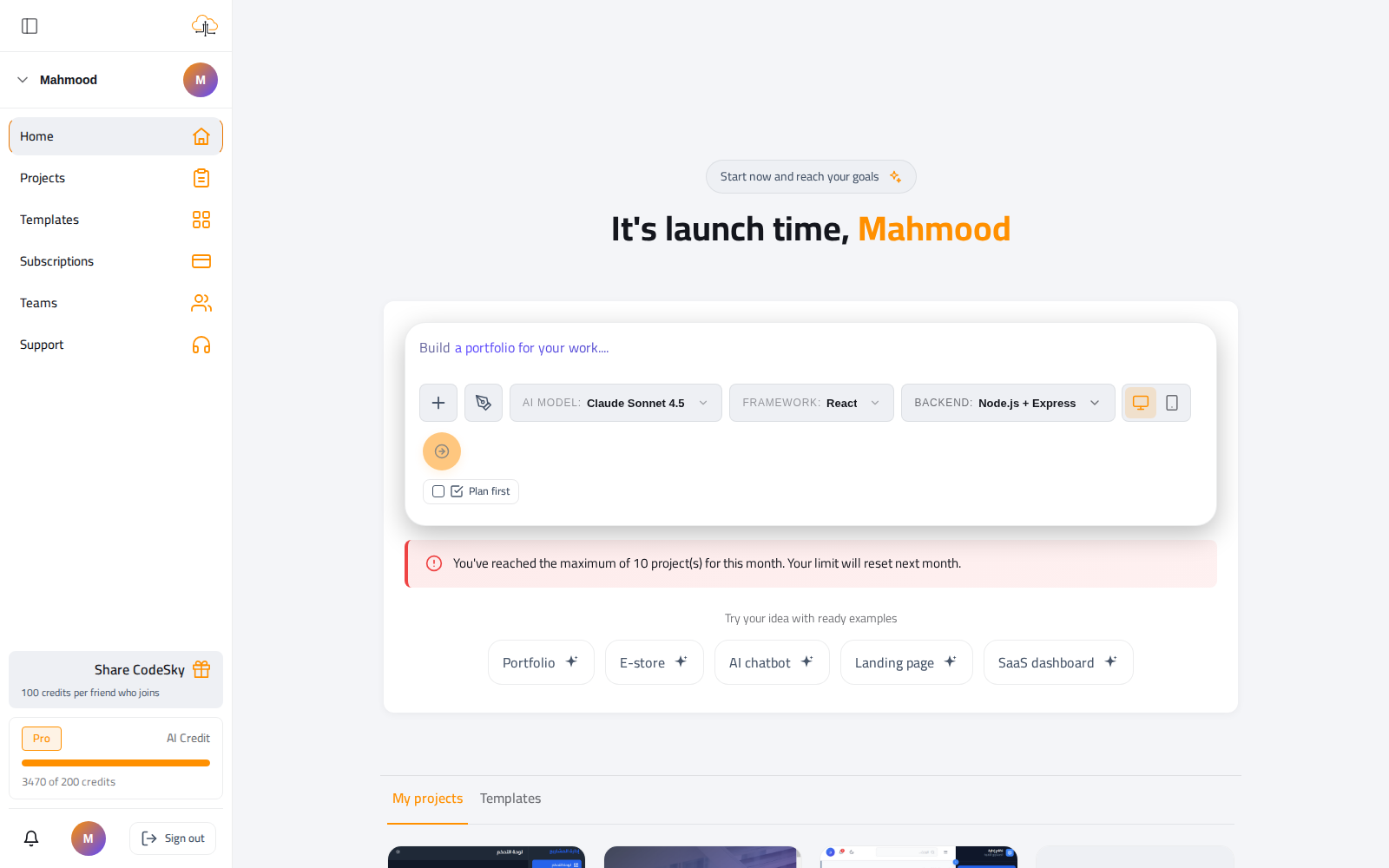
- From the dashboard, describe your app and pick the AI model, framework and backend.
- Press go — CodeSky scaffolds the project and opens the designer.
- Wait for the first build; your app renders in the live preview.
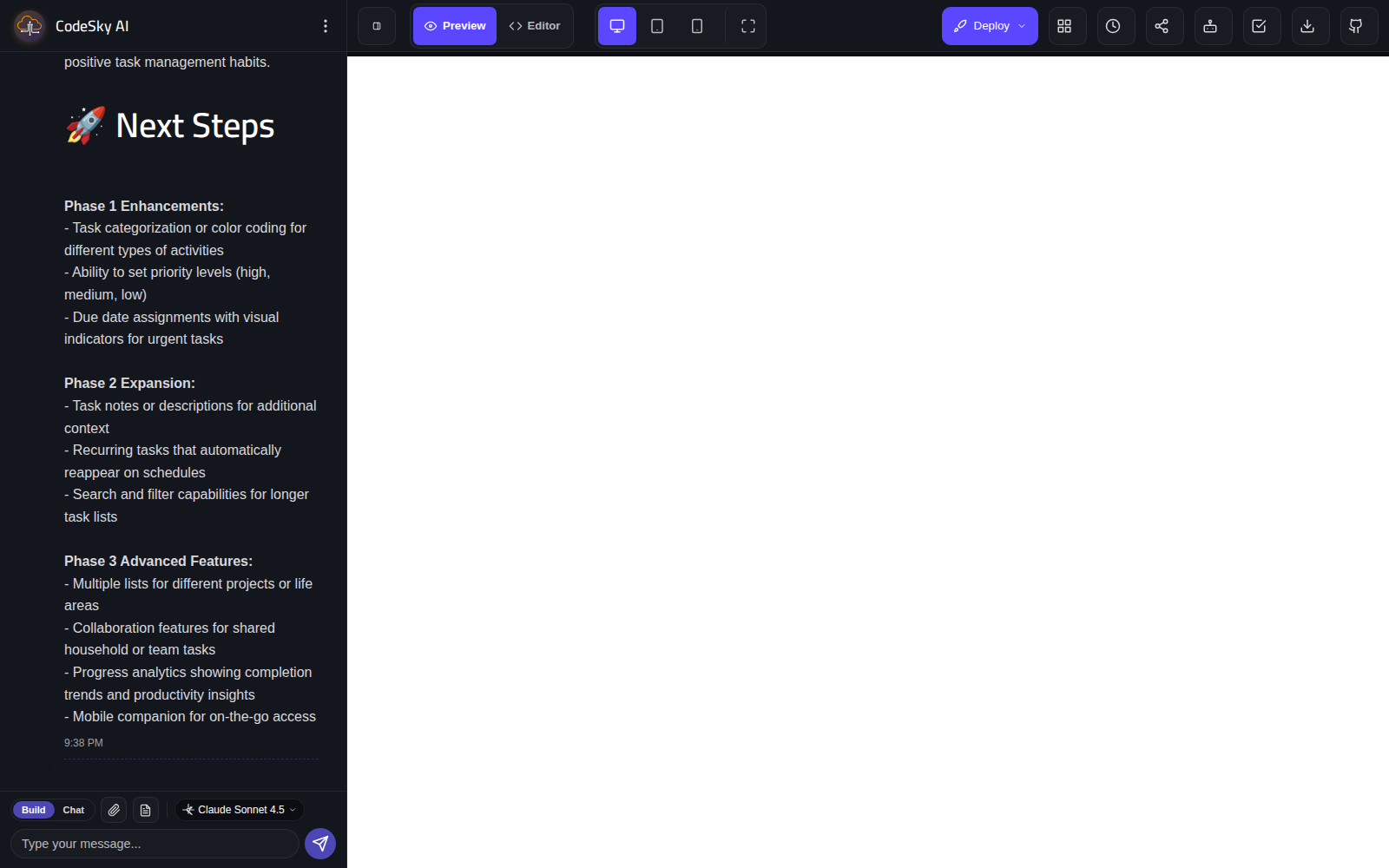
- Use the chat panel to make changes: "make the header sticky", "add a login page".
- Browse the generated files in the explorer to understand the structure as you go.
Work efficiently
Make one focused change per message and check the preview before the next. Small, verifiable steps keep the AI on track and make it easy to undo anything you do not like.
Tip: Stuck on a blank preview? Give the build a moment to finish, then ask the AI to "run the app and fix any errors."