
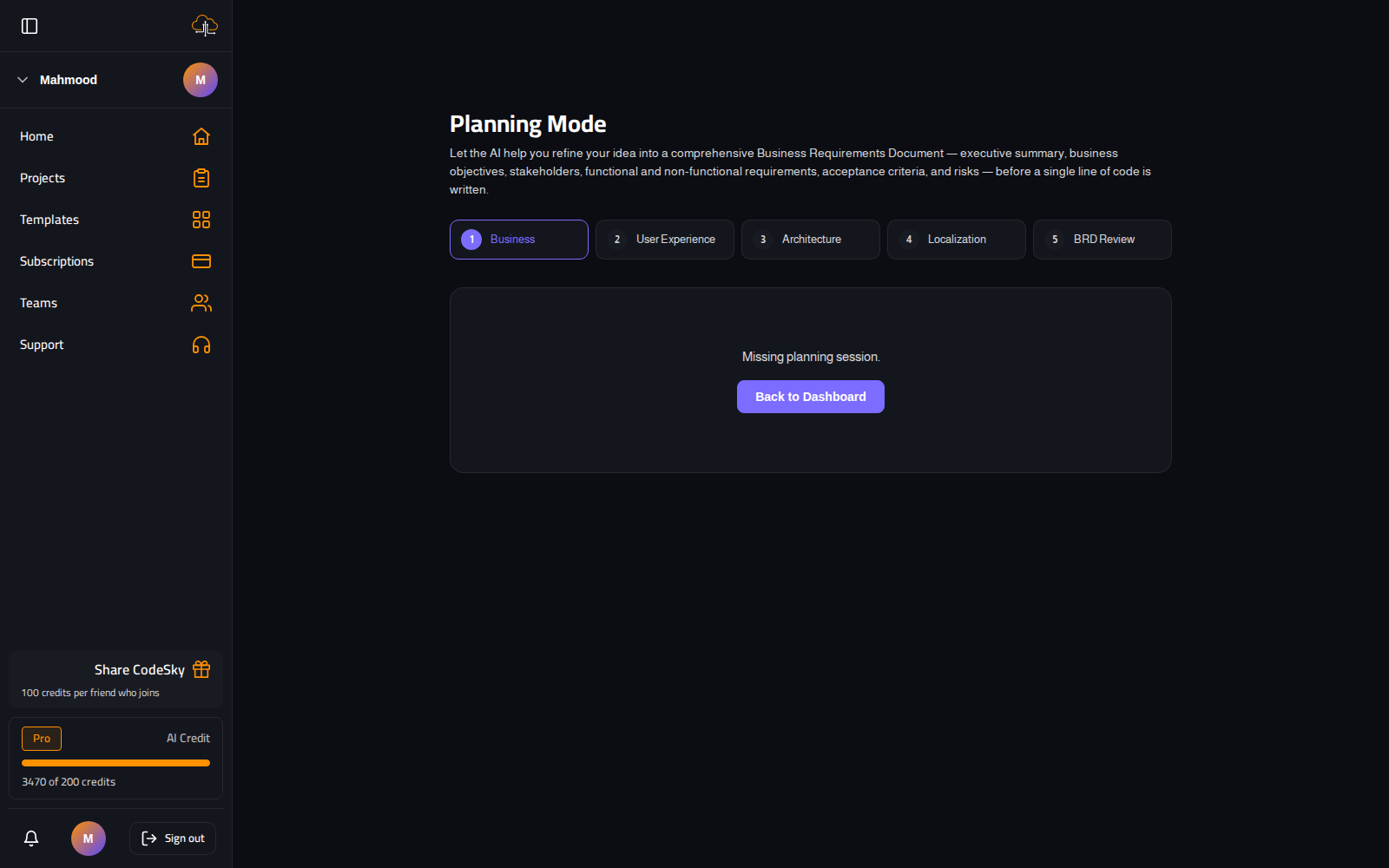
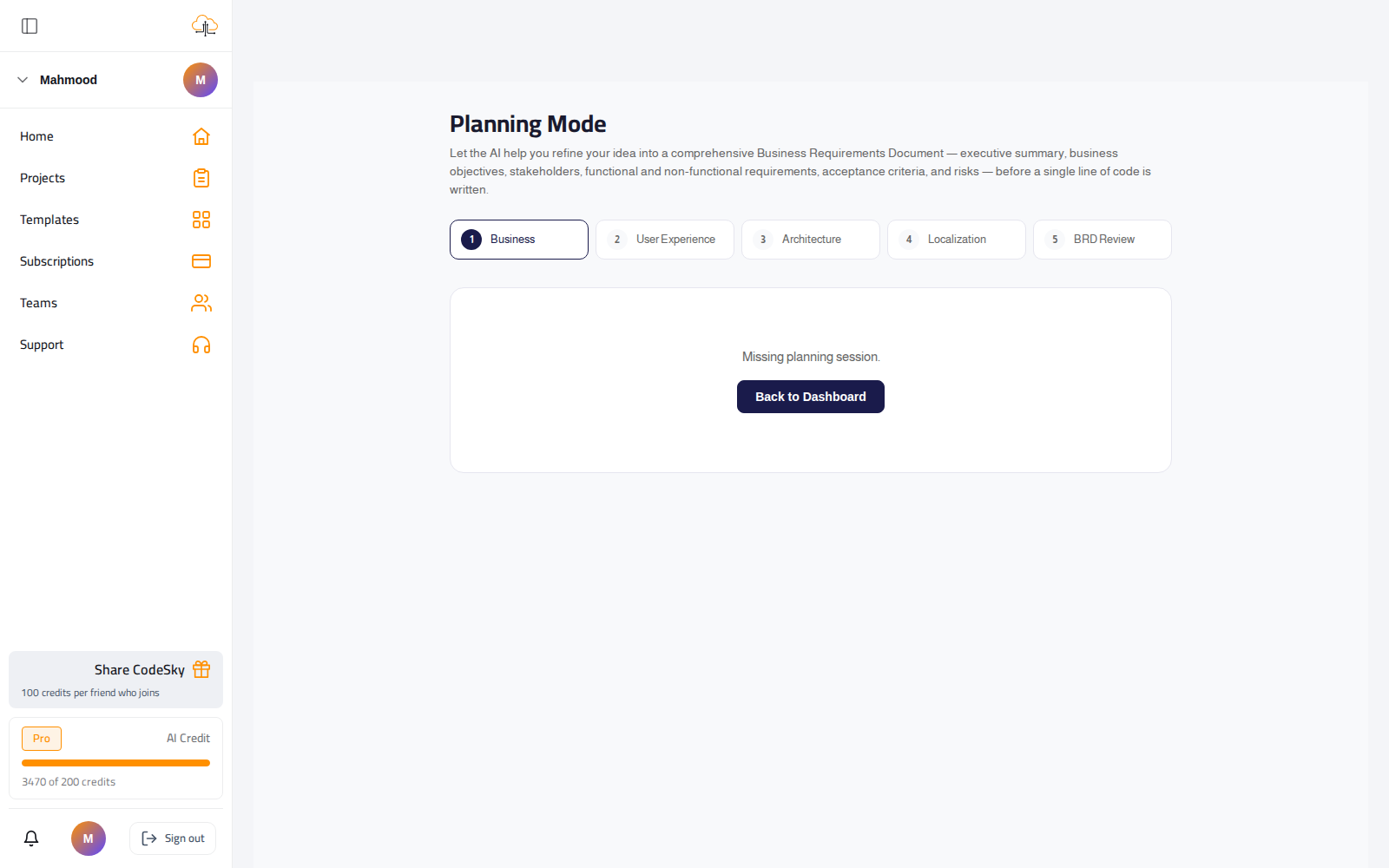
Planning Mode helps the AI refine your idea into a comprehensive Business Requirements Document (BRD) — executive summary, objectives, stakeholders, functional and non-functional requirements, acceptance criteria, and risks — before a single line of code is written. Better input, far better output.
How to plan a project
- On the dashboard's new-project box, turn on Plan first before you start.
- Work through the wizard phases: Business, User Experience, Architecture, Localization.
- At each phase, answer the AI's questions or accept its suggestions — it fills in the requirements as you go.
- Reach the BRD Review step and read the assembled document; edit anything that's off.
- Approve the plan. CodeSky builds from the agreed BRD — and can run it as an autonomous goal-run.
Why plan at all
- A vague prompt makes the AI guess; a BRD removes the guessing.
- You decide scope, data, and priorities up front, so the first build aims at the right target.
- You spend far fewer follow-up prompts course-correcting later.
When it pays off
- Multi-screen apps with real data models.
- Work you'll hand to a team — the BRD doubles as shared documentation.
- Anything you'd regret rebuilding because the requirements weren't clear.
Common mistakes to avoid
- Rushing the Business and Architecture phases. Clear objectives and a sound structure are what most improve the result.
- Planning a throwaway. For a quick experiment, skip it and just prompt — planning shines on real projects.
FAQ
Is planning required?
No — it's optional. Use it for anything beyond a quick throwaway; skip it for a fast experiment.
Can I edit the generated BRD?
Yes — the review step lets you change anything before you approve and build from it.
What's a goal-run?
After approving the BRD, CodeSky can build it autonomously — planning and executing the steps toward the agreed requirements.