
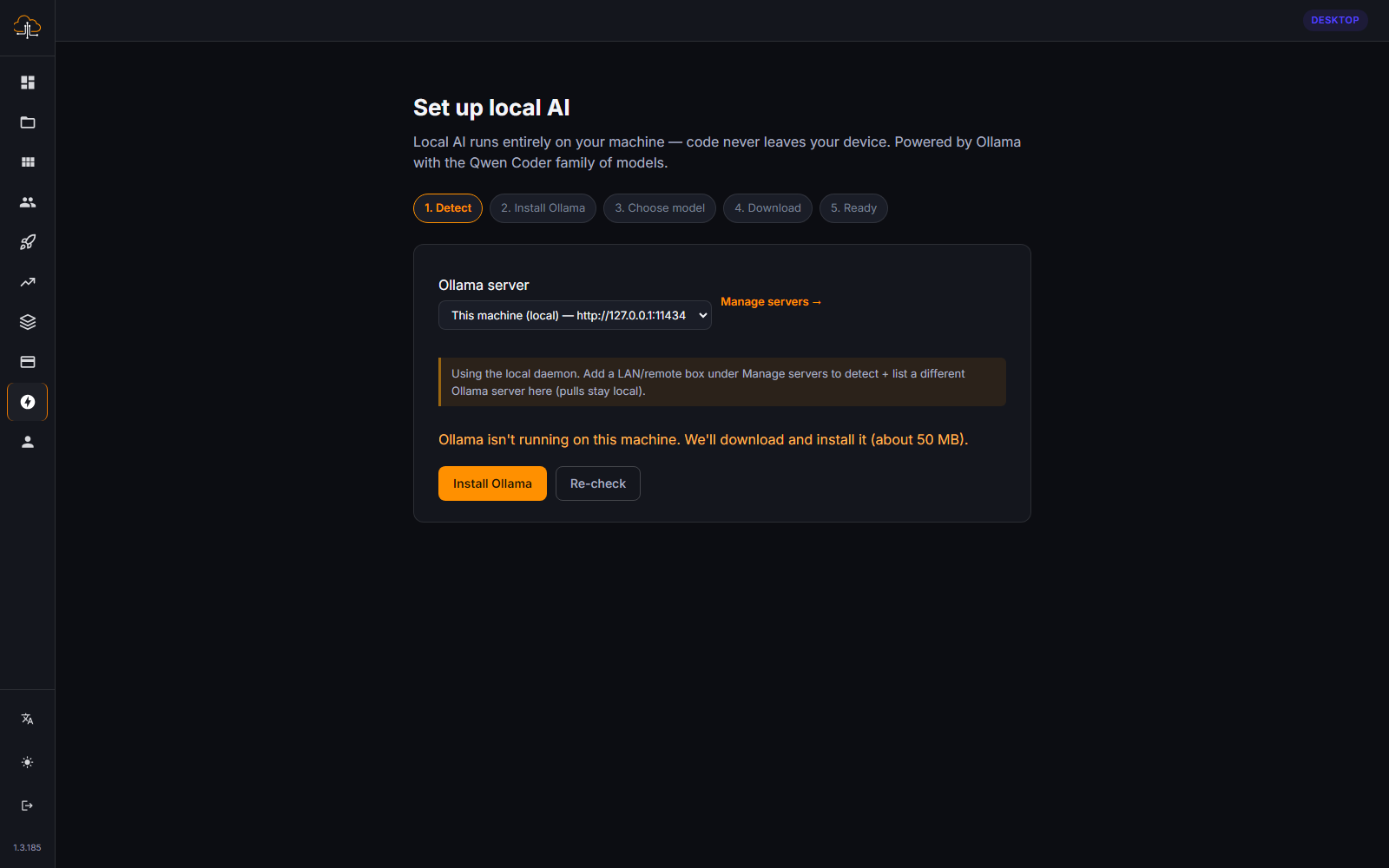
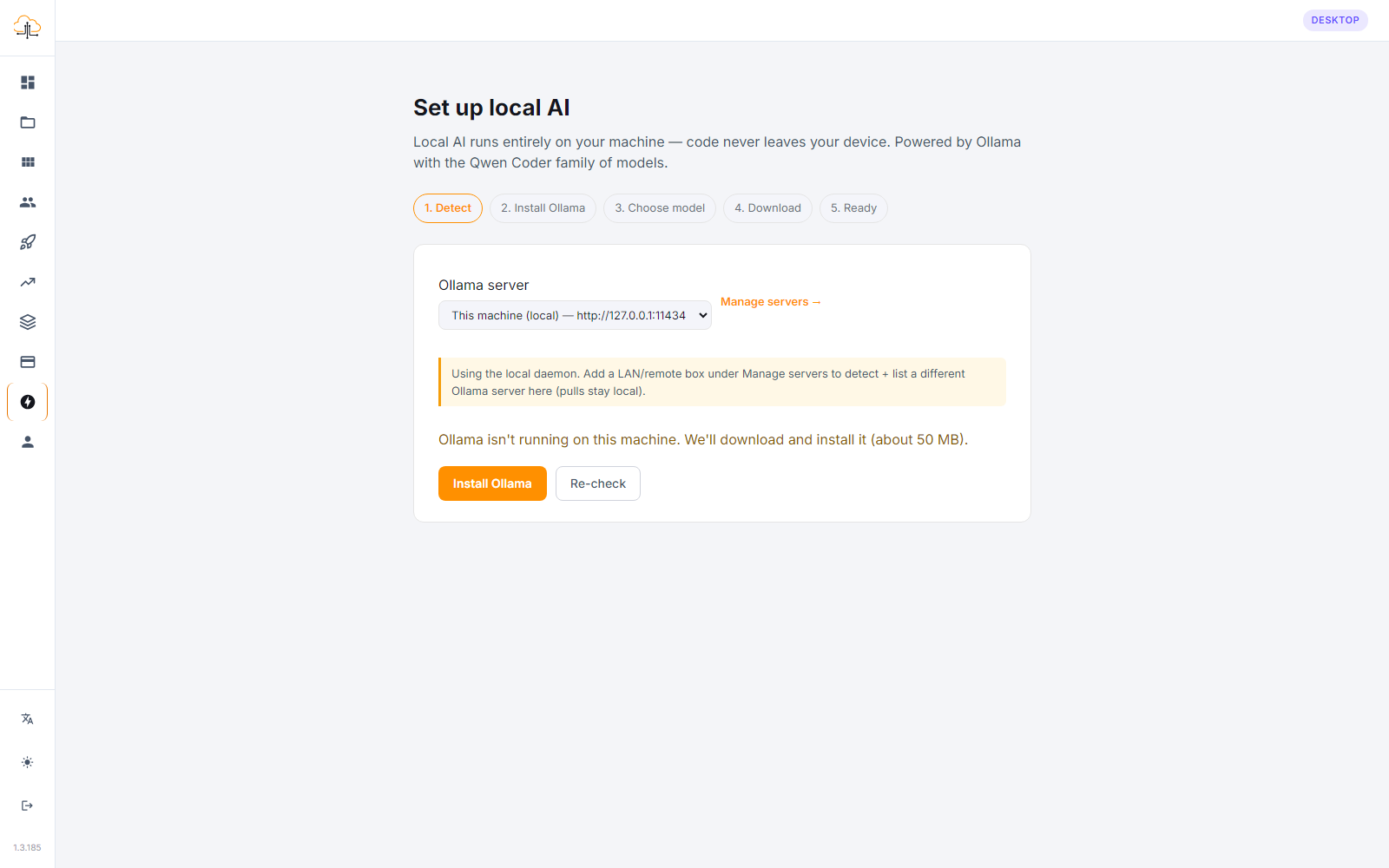
The CodeSky desktop app can use AI models that run directly on your own computer through Ollama. This lets you keep building with AI help while staying private and even working offline.
What is Ollama?
Ollama is the feature that lets CodeSky use local AI models, AI that runs on your machine rather than in the cloud. Instead of sending your requests over the internet, the AI does its thinking right on your own computer.
Why use local AI?
Running AI locally has a few standout benefits:
- Privacy — your prompts and project stay on your computer, never leaving your machine.
- Offline building — get AI assistance even with no internet connection.
- Independence — keep working without relying on a cloud service.
This makes local AI a great fit for sensitive projects, for working while traveling, or for anyone who simply prefers to keep everything on their own device.
Getting started
To use local AI in the desktop app, you set up Ollama on your computer and then choose a local model inside CodeSky. Once it is connected, you can pick the local AI just as you would choose any other model when you build.
- Install Ollama on your computer and add a model to it.
- In the desktop app, choose the local AI option when selecting your model.
- Start describing what you want to build, the AI now runs on your machine.
Cloud vs. local AI
You can switch between cloud and local AI depending on what you need:
- Cloud models are powerful and great for ambitious projects when you are online.
- Local models shine for privacy and offline work, and their capability depends on your computer.
Because your computer does the work with local AI, more capable computers can run larger, more capable models. Lighter models still work well for many everyday tasks.
Tips for the best experience
- Start with a lighter local model if you are new to it, then try larger ones.
- Use local AI for private or offline sessions, and cloud AI for the most demanding builds.
- Keep the desktop app updated so local AI support stays smooth.
With Ollama, the desktop app puts a private, offline-capable AI assistant right on your own machine, giving you flexibility and peace of mind as you build.