
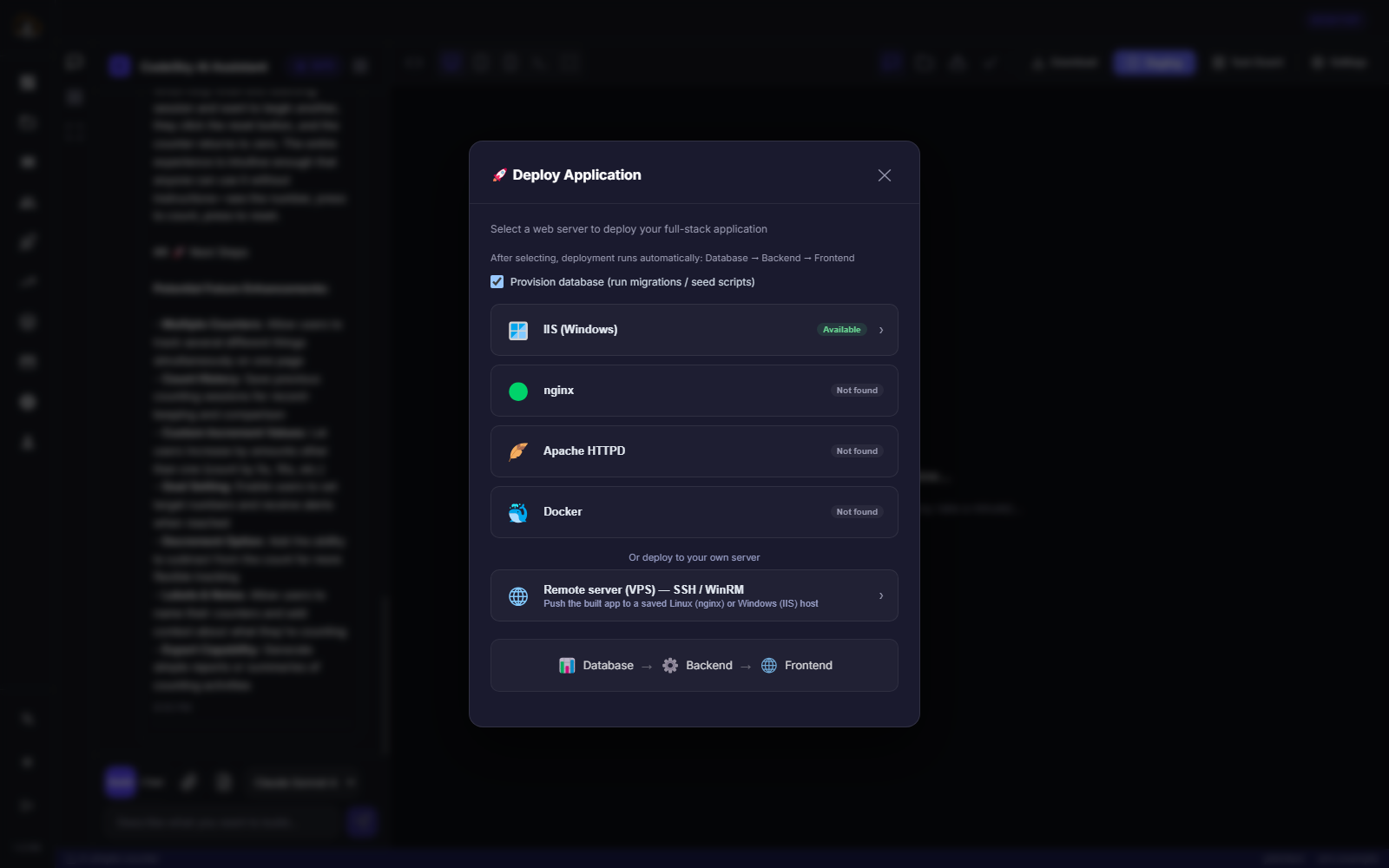
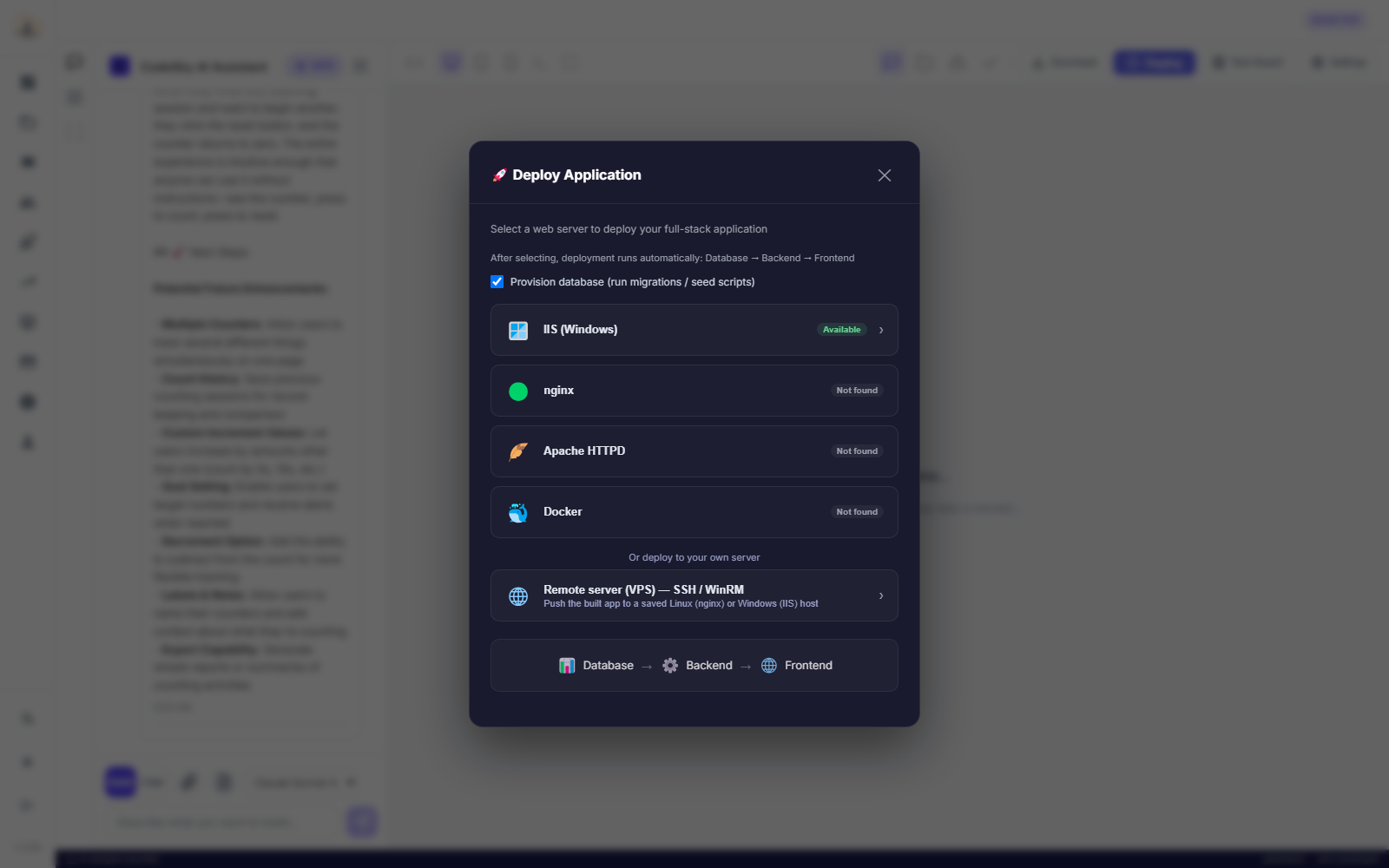
Once your app is ready, the next step is sharing it with the world, and making CodeSky work the way you do. The desktop app helps you publish your app and connect your own tools and project rules.
Publishing your app
When you are happy with your app, you can publish it so other people can use it. CodeSky takes your project and makes it available to share, turning your work into something real that others can open and try.
Before you publish, it helps to:
- Preview and test your app one more time.
- Check the name, icon, and key screens.
- Make any final refinements through plain-language requests.
When everything looks right, publish, and your app is live for others to use. If you make changes later, you can publish again to share the updated version.
Connecting your external tools
CodeSky can connect to external tools you already rely on, so the AI can work alongside them as it builds. This lets you bring in extra capabilities and tie CodeSky into your wider workflow, rather than working in isolation.
Connecting tools is useful when you want CodeSky to:
- Work with services and tools you already use.
- Pull in extra abilities beyond the built-in features.
- Fit into a workflow you have already set up.
You choose which tools to connect, so you stay in control of what the AI has access to.
Setting project rules
You can also give CodeSky your own project rules, guidance the AI should follow whenever it works on your app. Think of these as standing instructions that keep your project consistent, for example, a preferred style, naming conventions, or things to always include or avoid.
With project rules in place, you do not have to repeat the same instructions every time. The AI keeps them in mind across your requests, so your app stays aligned with how you want it built.
Putting it together
- Publish to share your finished app with others.
- Connect external tools to extend what CodeSky can do.
- Set project rules so the AI builds the way you prefer.
Together, these features turn the desktop app into a workspace that not only builds your app but also fits neatly into your own tools and habits, all the way through to sharing it with the world.