
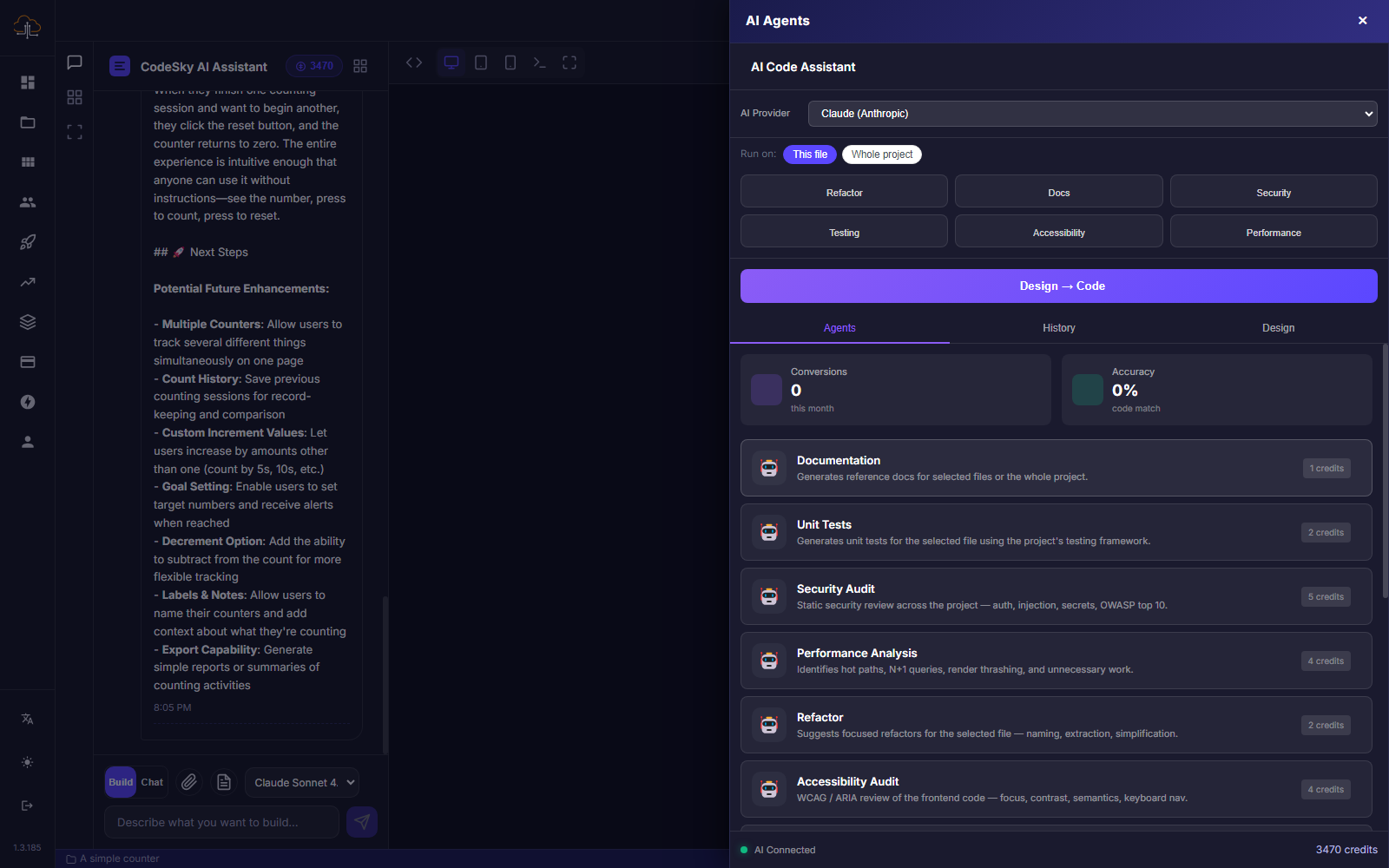
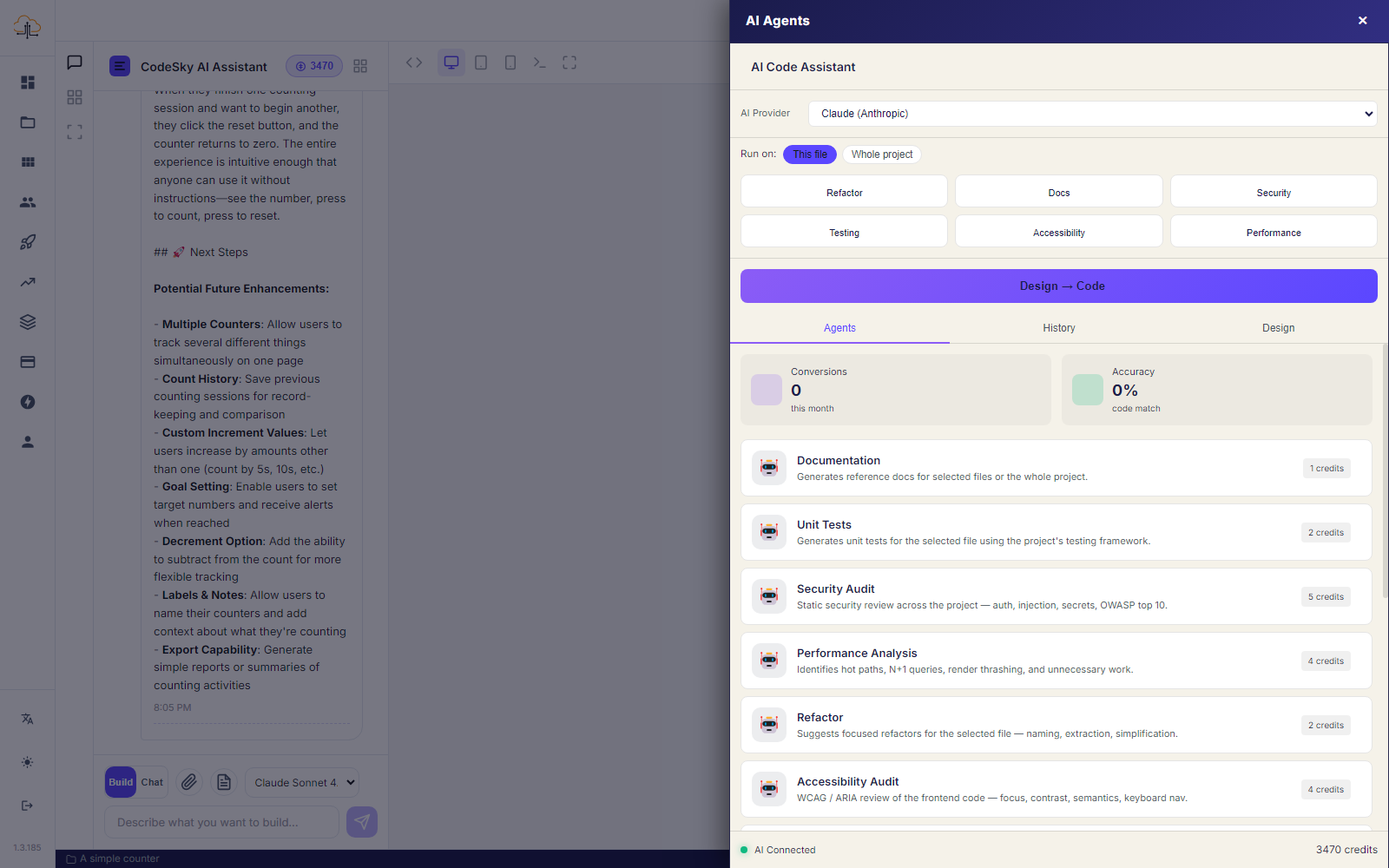
Beyond building your app from a description, CodeSky offers specialized AI agents: expert helpers you can point at your project to handle a specific kind of work for you. Think of each one as a focused assistant that knows how to do one job well.
What is a specialized agent?
A specialized agent is an AI helper trained on a particular task, such as writing documentation, checking quality, or reviewing security. Instead of asking the AI to do everything at once, you choose the agent that matches the job, run it, and get back a clear, organized result you can act on.
This keeps the work focused and the results easy to understand, even if you are not technical.
How to run an agent
Running an agent takes just a few steps:
- Open your project and go to the agents area.
- Pick the agent that fits what you need, for example documentation or testing.
- Add any details or focus you want it to consider.
- Start the agent and let it work through your project.
You do not have to watch it the whole time. The agent reviews your app and prepares its findings for you.
How to read the results
When an agent finishes, it gives you a plain-language summary of what it found or produced. Results are organized so you can scan them quickly:
- A short overview of what the agent did.
- Key findings or items, grouped by topic or importance.
- Suggested next steps you can apply to your app.
From there, you can ask CodeSky to make any changes the agent recommended, turning its advice into real improvements.
Availability
Specialized agents are part of the higher plans. If you do not see them yet, you can unlock them by upgrading. Once available, they appear alongside your project so you can run them whenever you need expert help.
When to use agents
Reach for an agent whenever you want focused, professional attention on one part of your app, such as preparing documentation before sharing it, tightening up security, or improving quality before launch. They are a fast way to get specialized help without leaving your project.