
CodeSky AI turns a plain-language description into a real, running application. You describe what you want, pick your stack, and the AI generates clean, production-ready code — a frontend, a backend API, and a database — that you can preview, refine, and ship in minutes rather than months.
Who CodeSky is for
- Founders & product people — turn an idea into a working prototype the same day, without hiring a team first.
- Developers — skip the boilerplate; generate the scaffold and spend your time on the interesting 20%.
- Agencies & freelancers — ship client work faster, starting from a template or an imported repo.
- Teams — collaborate in a shared workspace with roles, pooled credits, and real-time updates.
What you can build
CodeSky generates complete full-stack projects, not snippets. Common categories:
- Internal tools — admin dashboards, CRUD apps, approval workflows, back-office panels.
- Customer-facing apps — booking systems, storefronts, portals, landing pages.
- Data apps — reporting dashboards, inventory, CRM, analytics views.
- Prototypes — clickable, working demos to validate an idea before you invest.
How CodeSky works
Behind the simple prompt box is a pipeline that keeps your app coherent as it grows:
- Classify — your prompt is read as a new build, a small edit, or an update to an existing project.
- Route — it goes to the provider tied to the model you selected (Claude, Grok, Gemini, Groq, or Ollama).
- Generate — the model streams an explanation into the chat and writes real files to disk.
- Install & version — dependencies install automatically and a version is saved, so every change is reversible.
Follow-up messages in the same chat are treated as updates to the same project — the model receives the existing code as context and changes only what is needed.
Your first five minutes
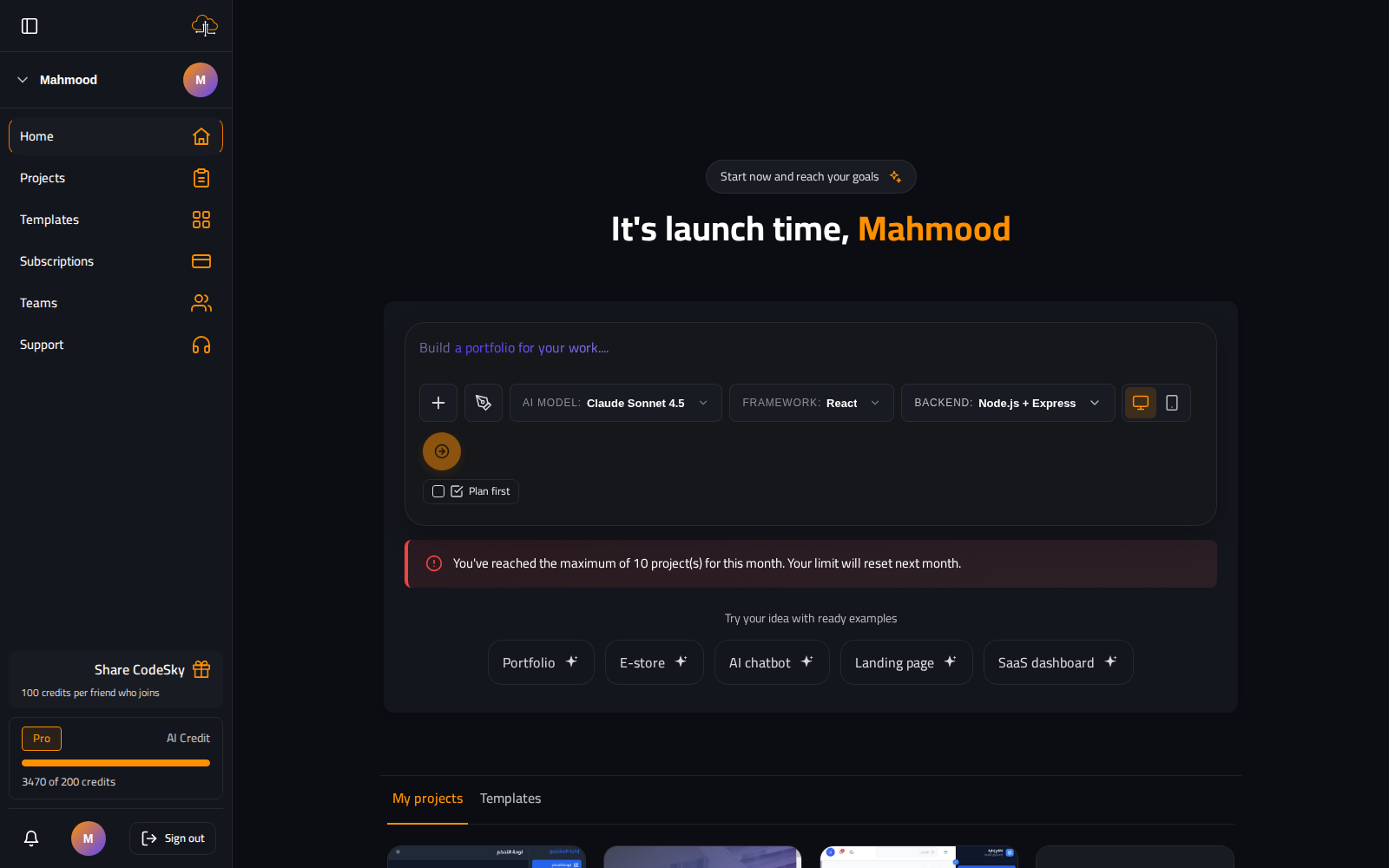
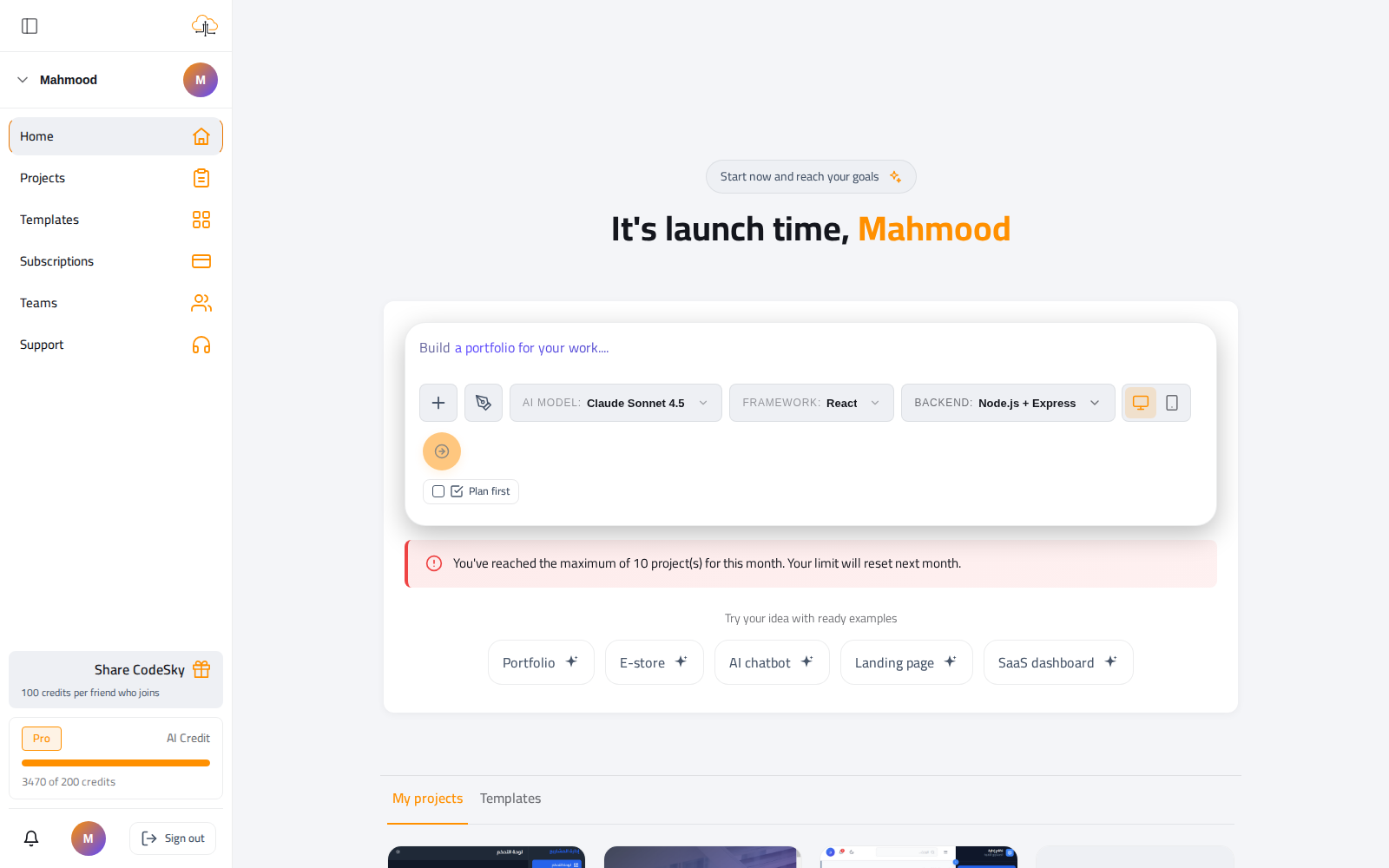
- Open the dashboard and find the new-project box.
- Describe your app in one or two sentences — what it does and who it is for.
- Pick the AI model, framework, and backend. The defaults (Gemini, React, Node) are a fine start.
- Optionally turn on Plan first to shape a requirements document before any code is written.
- Hit go, watch the app appear in the live preview, then refine it with chat.
Writing a strong first prompt
- Be concrete about features — "a doctor list, a time-slot picker, SMS confirmations" beats "a clinic app".
- Name the audience — "for staff" implies internal CRUD; "for customers" implies polished UI and auth.
- State the data if you know it — "patients, appointments, doctors, payments".
- Mention must-haves early — login, payments, Arabic/RTL, CSV export — so they're built in from the first pass.
Where to go next
- Core Concepts — write prompts that generate exactly what you want, and understand the project structure.
- Features — templates, intelligent debugging, and the live preview.
- Desktop Editor — AI agents, the integrated terminal, @-mentions, and one-click deployment.
- Planning Mode — turn a rough idea into a full requirements document before building.
FAQ
Do I need to know how to code?
No. You can build entirely in plain language. If you are a developer, you can open the code and the integrated terminal whenever you want more control — both use the same project.
Is it free to try?
Yes. New accounts start on the Free plan with monthly credits and the Gemini model — enough to build and preview a real app before you pay.
What kinds of apps does it handle best?
Standard full-stack web apps — dashboards, CRUDs, storefronts, booking, portals. Highly specialized or low-level native work may still need hand-tuning.