
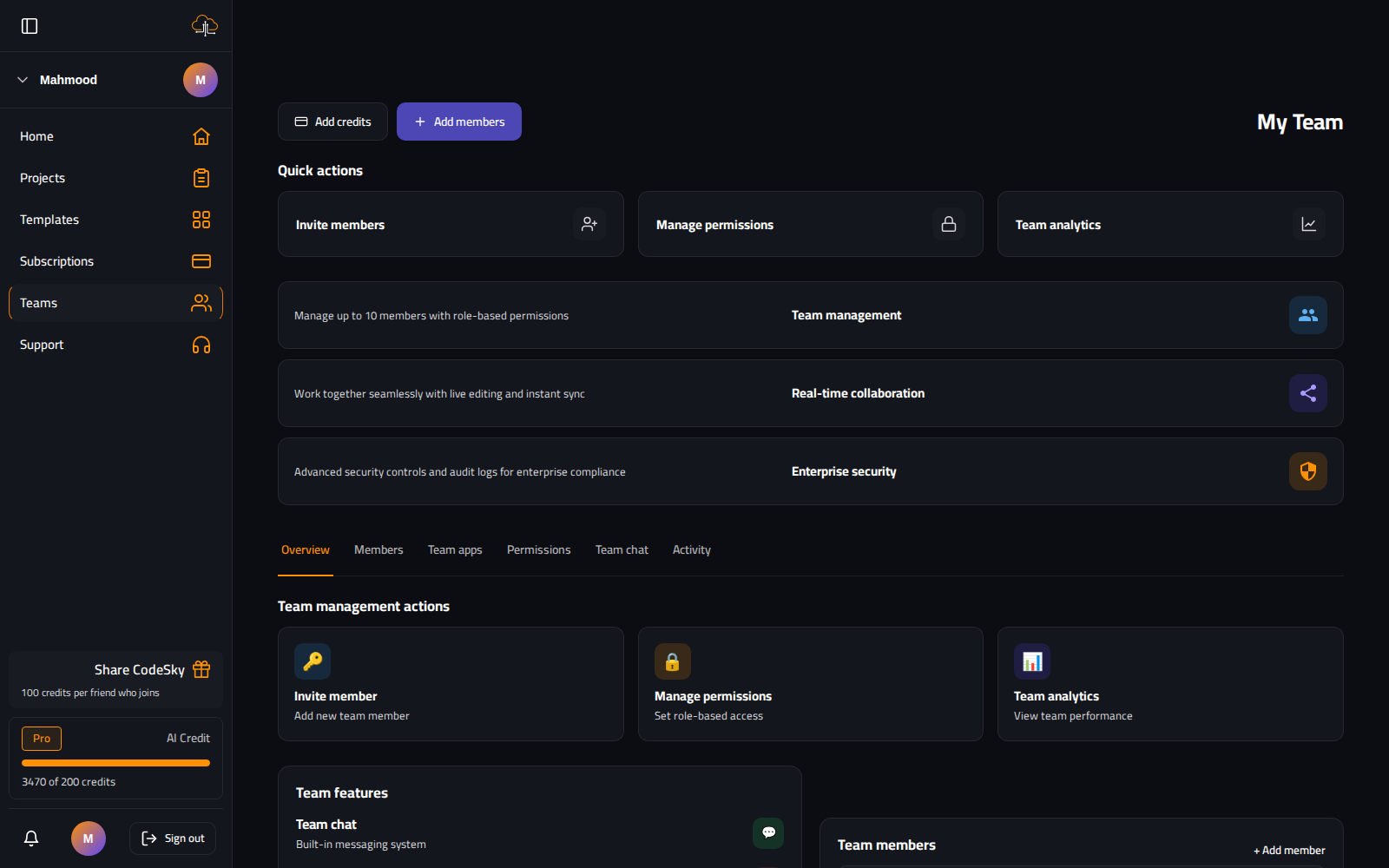
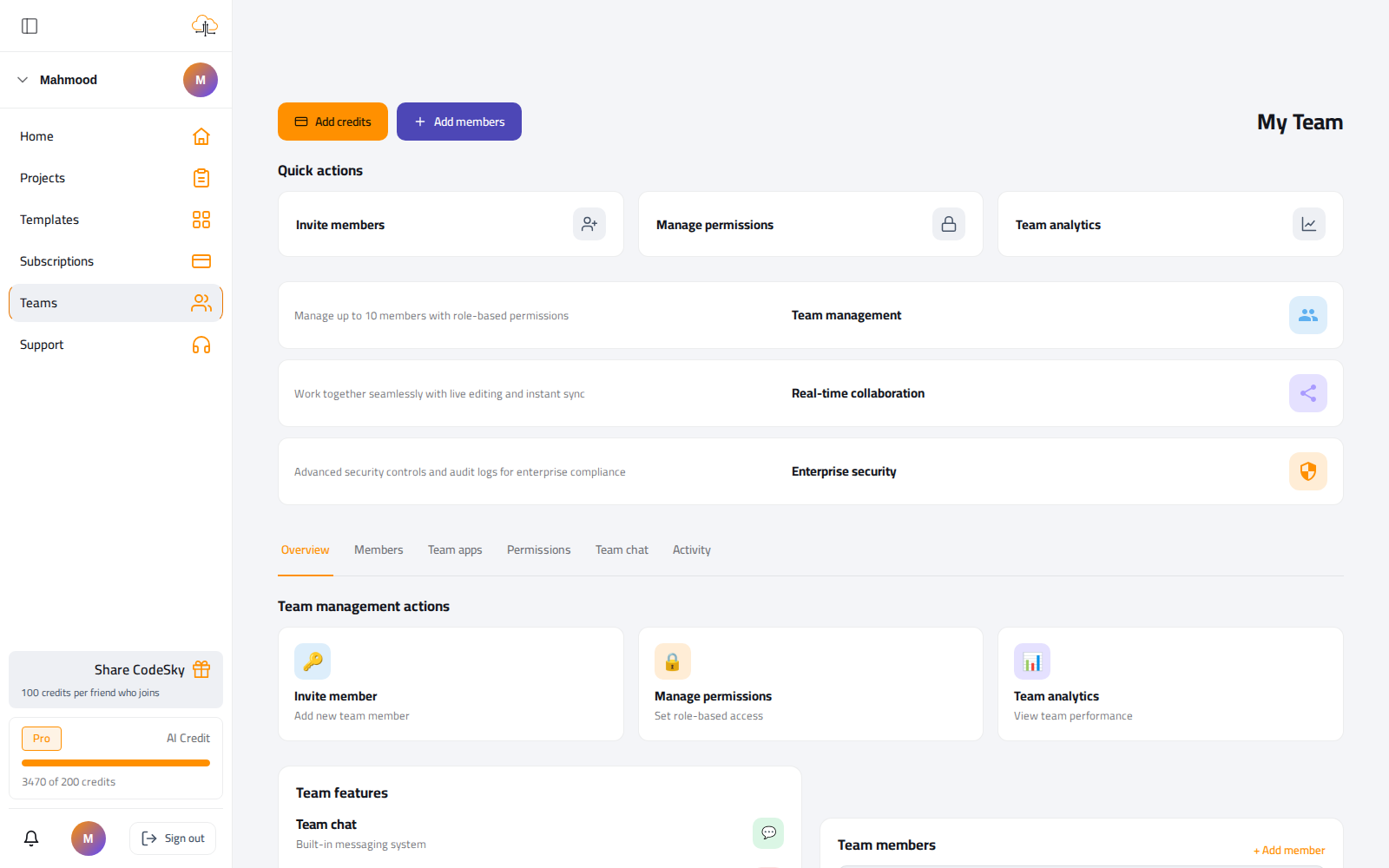
Move from "my project" to "our project" without copying anything. Invite teammates and they get scoped access immediately, sharing the same projects, history, and pooled credits.
Roles
- Owner. Full control, including billing.
- Admin. Can invite, configure integrations, and delete projects.
- Member. Can generate and view shared projects.
- Viewer. Read-only access to chat history and previews.
Getting started as a team
- Open your workspace and choose Invite member; enter their email.
- Assign a role — start people as Member and promote to Admin as needed.
- Share a project; the member opens it and can prompt against it right away.
Real-time collaboration
- The task board updates live — move a card and everyone sees it within a second.
- Generations broadcast progress, so a designer can watch a developer's prompt land.
- Everyone works on the same project state — no copies drifting out of sync.
Shared credits
- Team plans pool credits across members.
- The dashboard shows how much each member used in the current cycle.
- Admins can set per-member caps so one big run doesn't drain the shared pool.
Common mistakes to avoid
- Everyone as Admin. Grant the least role that lets each person do their job.
- Unprotected production targets. Keep shared production deploys behind a promotion approval.
- No per-member caps. Set them so a single heavy user doesn't exhaust the team's credits.
FAQ
Do teammates need their own subscription?
No — they join your workspace and draw from the pooled team credits, with roles you assign.
Can two people edit the same project?
Yes — it's one shared project. Real-time updates keep everyone in sync as changes land.
How do I stop a member overspending credits?
Set a per-member cap in the dashboard; usage is visible per cycle.