
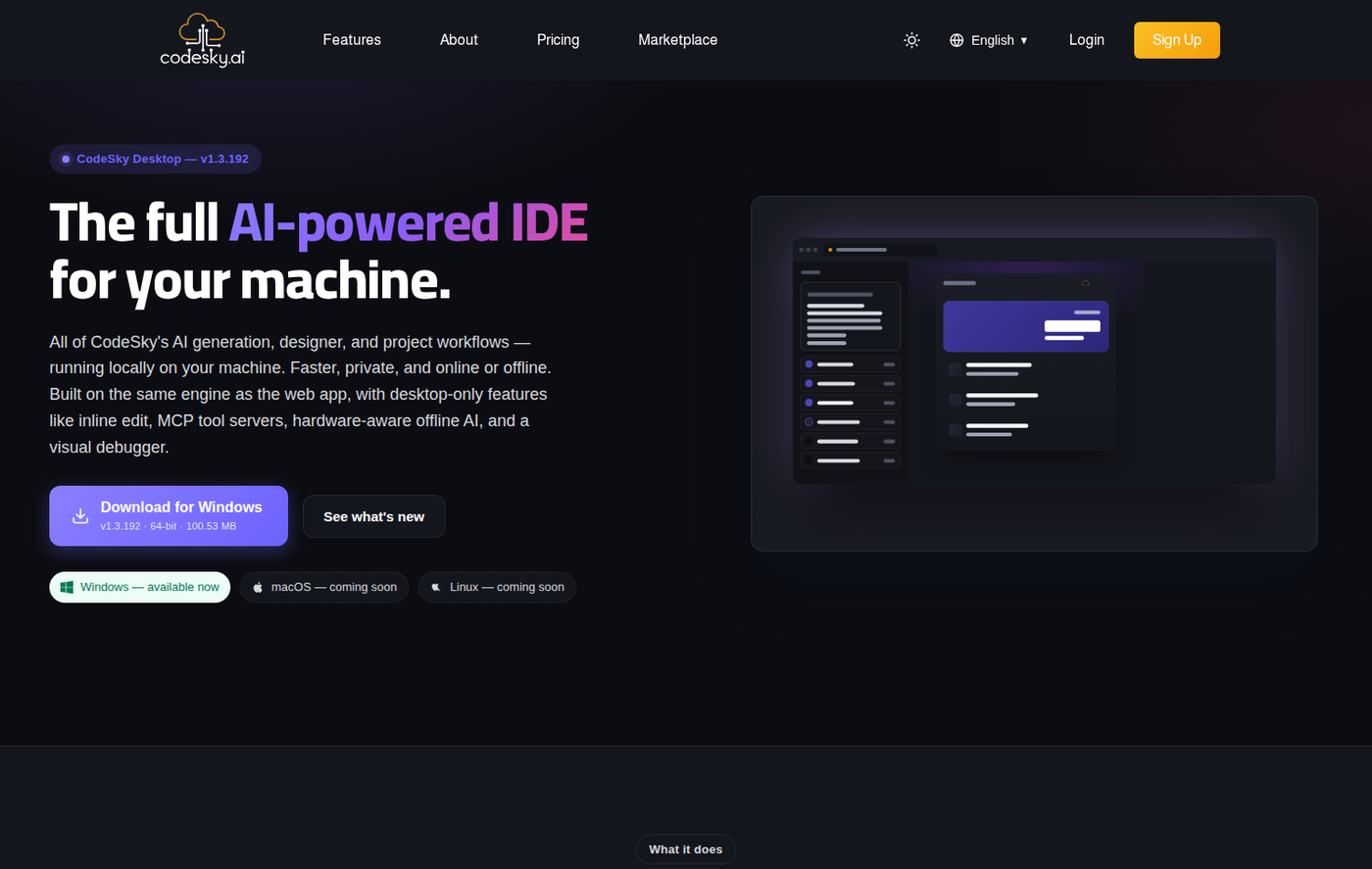
CodeSky runs anywhere a modern browser does, with an optional first-party desktop editor for local power features. The heavy lifting — generation, dependency installs, previews — happens on our servers, so your machine stays light.
Web app
- Browser: Chrome 120+, Edge 120+, Firefox 120+, or Safari 17+.
- Connection: a stable internet link — generation streams over HTTPS and Server-Sent Events, so a flaky connection can interrupt a long run.
- WebSockets enabled — the live preview uses them for hot-module reload. Corporate proxies that strip WebSocket upgrades will break preview refresh.
- No special hardware beyond what your browser needs.
Desktop editor
- OS: Windows 10/11 (64-bit), macOS 12 (Monterey) or newer, or a glibc-based Linux distro (Ubuntu 20.04+, Fedora, Debian).
- Disk: ~500 MB for the app, plus room for each project's
node_modules(a typical web app is 150–300 MB). - Node.js 20.x is bundled — you don't install it separately.
- Optional provider CLIs: put Claude, Grok, or Gemini binaries on your
PATHonly if you want to run those providers locally.
Network notes
- Behind a corporate firewall, allow WebSocket upgrades so the live preview refreshes.
- Generation uses Server-Sent Events; proxies that buffer responses can make streaming feel stalled.
FAQ
Do I need a powerful computer?
No — generation and builds run on our servers. Any machine that runs a current browser is enough for the web app.
Can I work offline?
Use the Ollama provider in the desktop editor for on-device generation. The hosted web app needs a connection.
Why does preview refresh fail on my network?
Your proxy is likely stripping WebSocket upgrades. Allow them, or try a different network.