
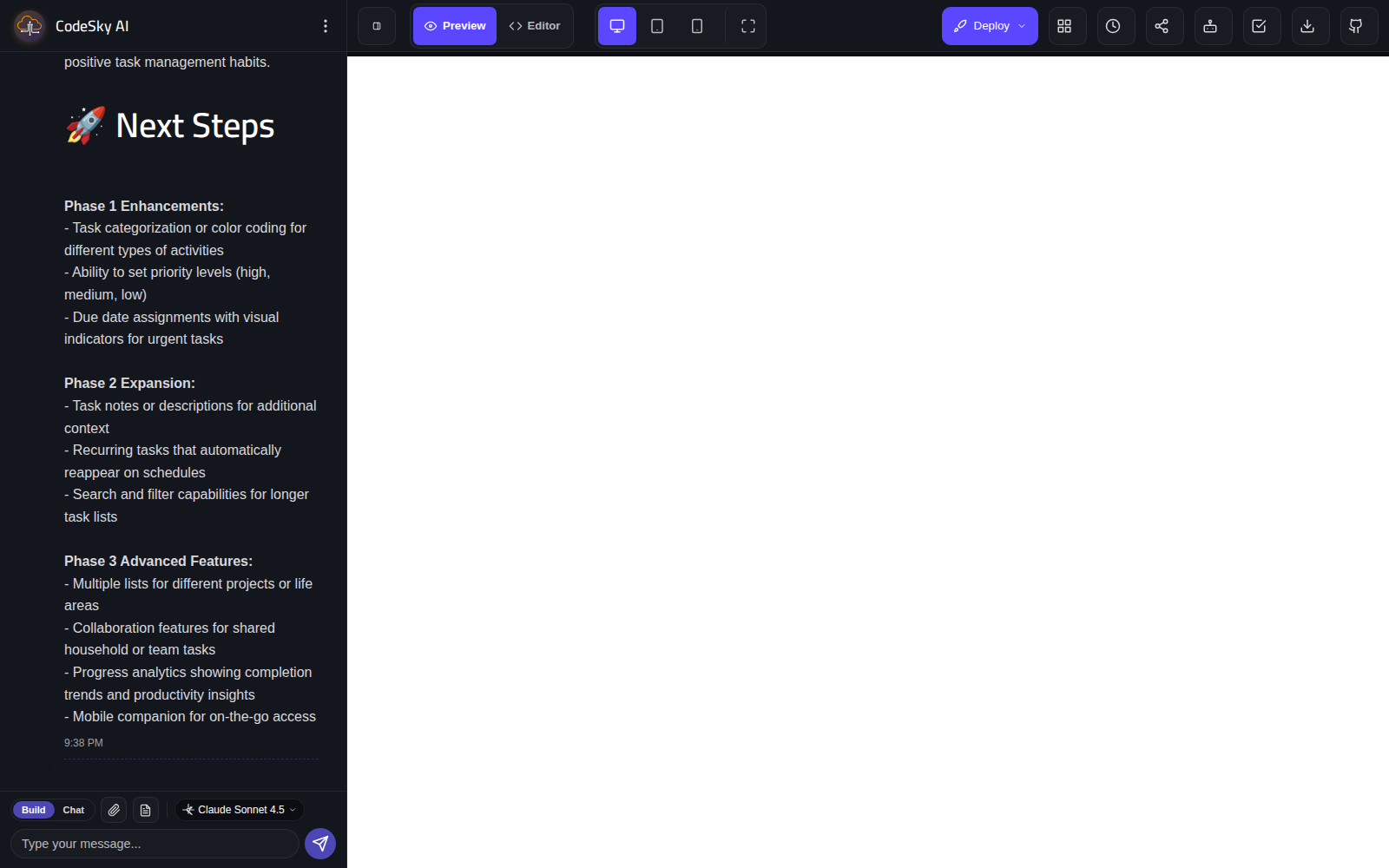
The web designer gives you two ways to work with the AI: chat mode for thinking and planning, and build mode for actually creating and changing your app. Knowing when to use each helps you build faster and with more confidence.
What chat mode does
In chat mode, you have a conversation with the AI without changing your app. It is your space to think out loud, ask questions, and shape an idea before committing to it. Nothing is generated, so you can explore freely.
Use chat mode to:
- Talk through an idea and get suggestions on how to approach it.
- Plan features and screens before you build them.
- Ask questions about the best way to structure your app.
- Refine your wording so your build request is clear and complete.
Because chat mode never touches your app, it is a safe place to experiment with ideas at no risk to what you have already built.
What build mode does
In build mode, the AI actually generates and updates your app. When you describe what you want here, CodeSky creates the screens, features, and changes you asked for, and you can see the result in the live preview.
Use build mode to:
- Generate your app for the first time.
- Add new features or screens.
- Change the design or layout.
- Fix or adjust anything that is not quite right.
When to use each
A good rhythm is to plan in chat mode, then build in build mode:
- Start in chat mode to clarify what you want and shape a clear plan.
- Switch to build mode to turn that plan into a real app.
- Return to chat mode any time you need to think through a bigger change before making it.
A simple way to choose
- Want to discuss, plan, or ask? Use chat mode.
- Want to create or change the app? Use build mode.
Moving between the two lets you think carefully and then act decisively, so your app comes together exactly the way you intend.