
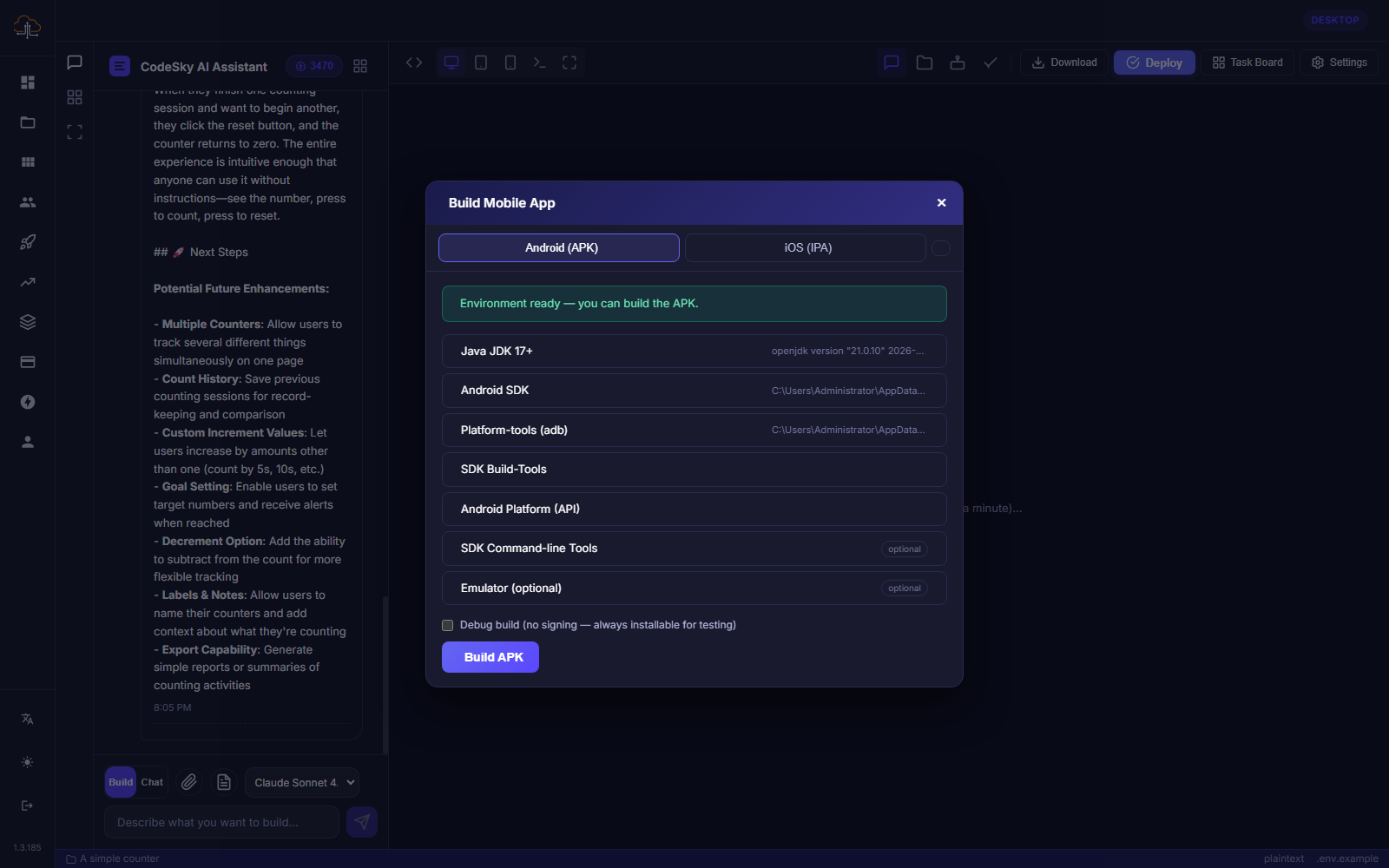
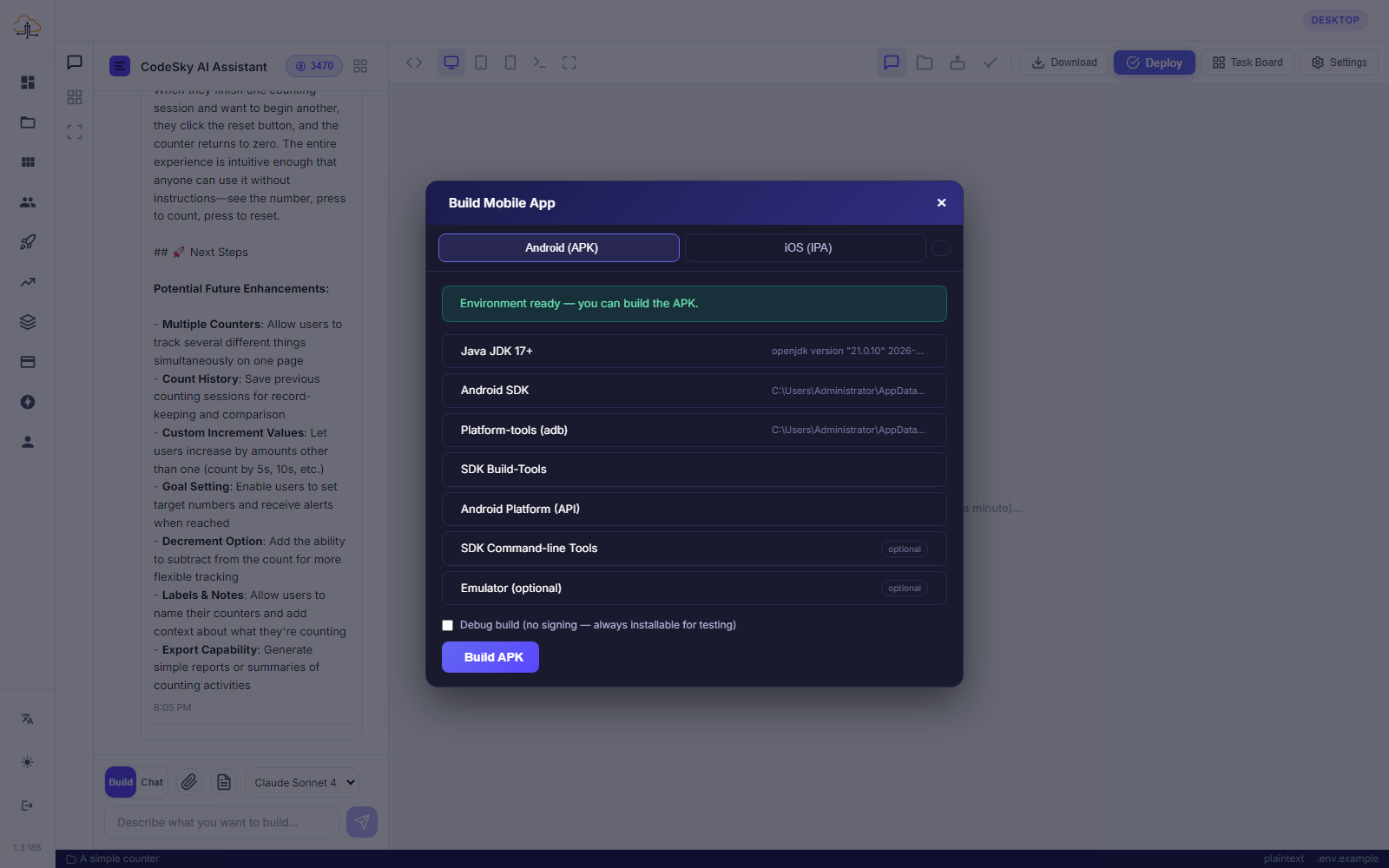
When your mobile app is ready, the CodeSky desktop app can help you turn it into installable versions for real phones. This means you can test your app on a device and prepare it for the app stores.
Android and iOS versions
The desktop app can prepare two kinds of installable mobile builds:
- An Android version (APK) you can install on Android phones.
- An iOS version (IPA) you can install on iPhones.
These are the same kinds of files used to distribute apps, so once you have them, your app is ready to run on a real device.
Before you build
To get the best result, make sure your mobile app is in good shape first:
- Preview and test your app so it behaves the way you want.
- Set your app's name and icon so it looks polished on a phone.
- Review your screens and features for anything you still want to refine.
A little preparation here means fewer surprises once the app is installed on a phone.
Creating the installable files
From the desktop app, choose to build your mobile app and select the platform you want, Android, iOS, or both. CodeSky then prepares the installable version for you. When it finishes, you will have a file you can install on a device or use for store submission.
Testing on a device
Installing your app on a real phone is the best way to experience it as your users will:
- Android — install the APK on an Android phone to try it out.
- iOS — install the IPA on an iPhone to test it.
Tap through every screen, try each feature, and confirm everything feels right on an actual device before sharing it more widely.
Submitting to the app stores
To reach the public, mobile apps are published through the Google Play Store for Android and the Apple App Store for iOS. Each store has its own account setup and review process, run by Google and Apple. The installable versions you create in the desktop app are what you submit to those stores.
Tips
- Test thoroughly on a real device before submitting to a store.
- Set a clear app name and a crisp icon for a professional first impression.
- Keep building and re-create the installable version whenever you make updates.
With the desktop app handling the heavy lifting, taking your idea from a preview to a real, installable mobile app is refreshingly straightforward.