
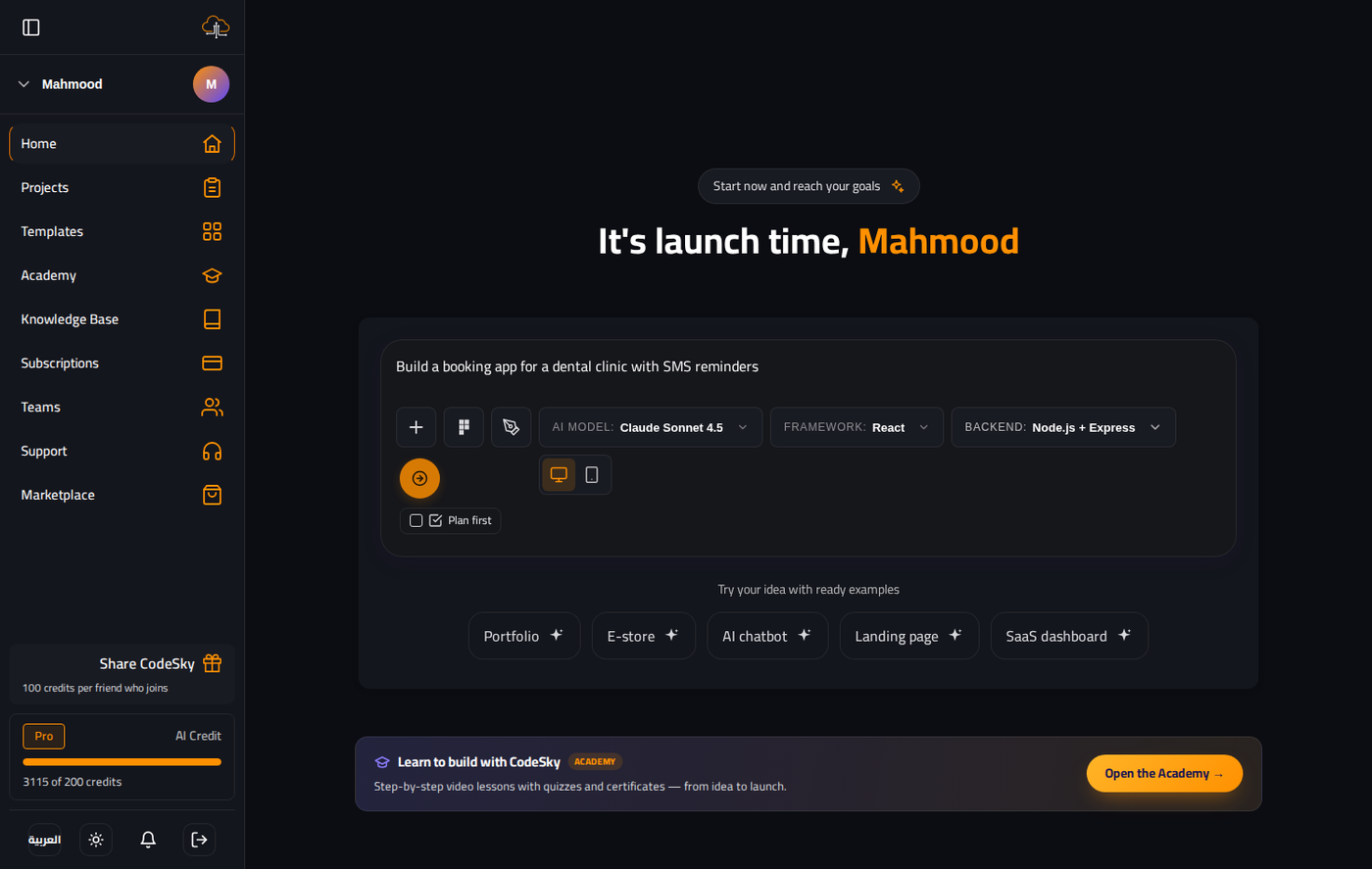
The code generator is not a single model — it is a pipeline that picks the right provider for the job, runs it with project-aware tooling, and stitches the output back into your repo. Knowing how it decides helps you steer it.
How the provider is selected
- The model your account selected (Dashboard → model picker).
- Your plan's allowed models.
- The classification of the request — a tiny task may use a faster, cheaper model than a full build.
Project-aware tooling
Most providers run as CLIs that understand a project on disk — they can open files, search the tree, and apply multi-file edits, rather than emitting one blob of text:
- Claude Code CLI — the default for full generations and complex updates.
- Grok CLI — fast, focused tiny tasks.
- Gemini CLI — strong on long, structured outputs.
- Groq — API mode (no CLI required), very low latency.
- Ollama — runs entirely on your machine for privacy.
What one generation does
- Reads your prompt and the existing project (for updates).
- Plans the files to create or change.
- Writes them to disk under your project folder.
- Installs any new dependencies and saves a version.
What you control
- The model — pick it on the Dashboard, switch it any time.
- The scope — one clear instruction per message keeps edits tight.
- The target — name a file, or @-mention it in the desktop editor.
- The rollback — every generation is versioned, so you can undo.
Common mistakes to avoid
- Ignoring "CLI not found". That provider isn't installed here — switch to Gemini, Groq, or Ollama.
- Huge mixed prompts. The pipeline does best with one goal at a time.
- Not reading the streamed plan. It tells you what's about to change — catch a wrong turn early.
FAQ
Does it always use the same model?
It uses the one you selected, but may route a trivial task to a faster model. You can force a specific model from the picker.
Where does the generated code live?
Under GeneratedApps/{userId}/{projectGuid}, isolated per user and project.
Can I see what changed?
Yes — the chat explains each change, and version history lets you compare or roll back.