
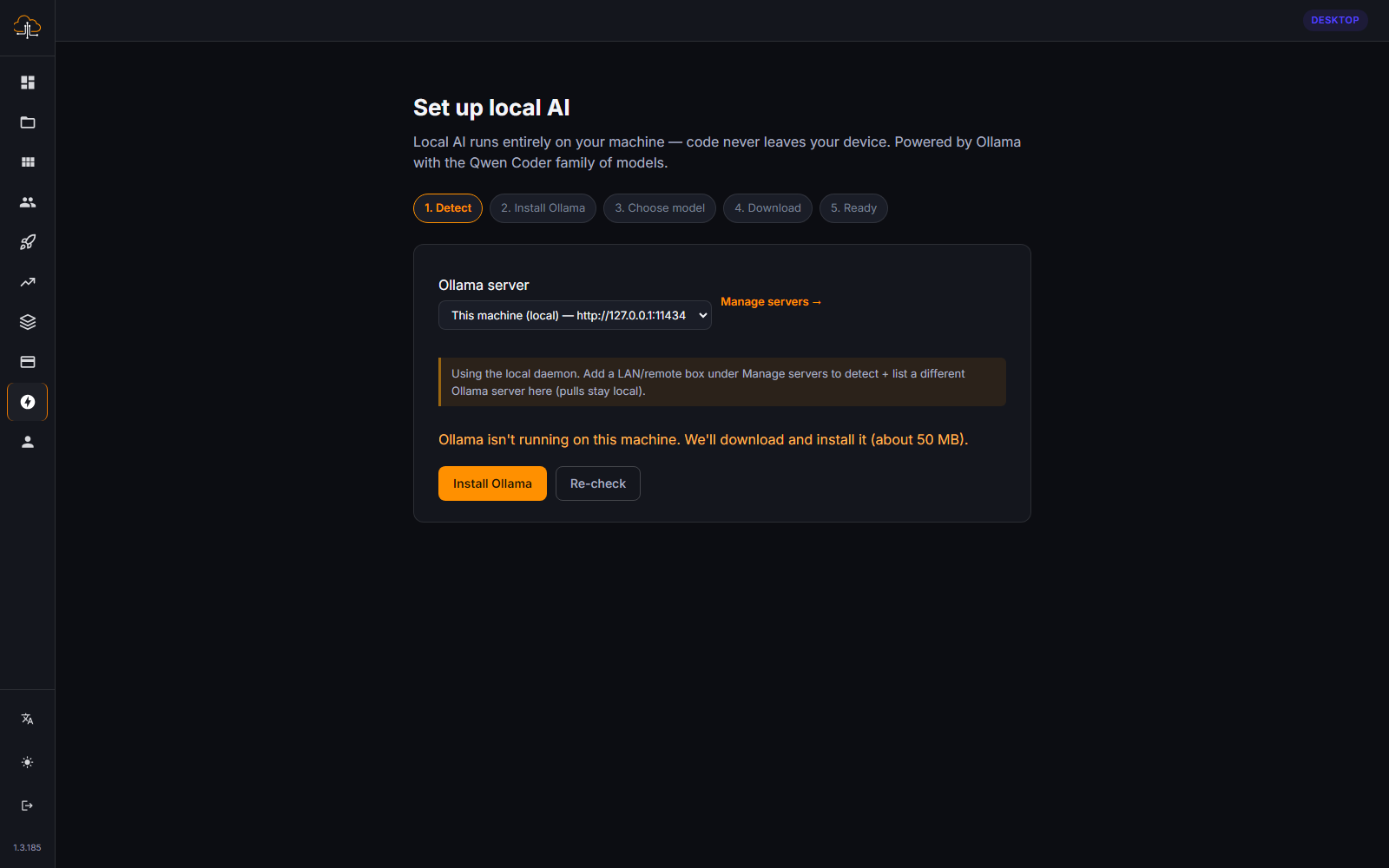
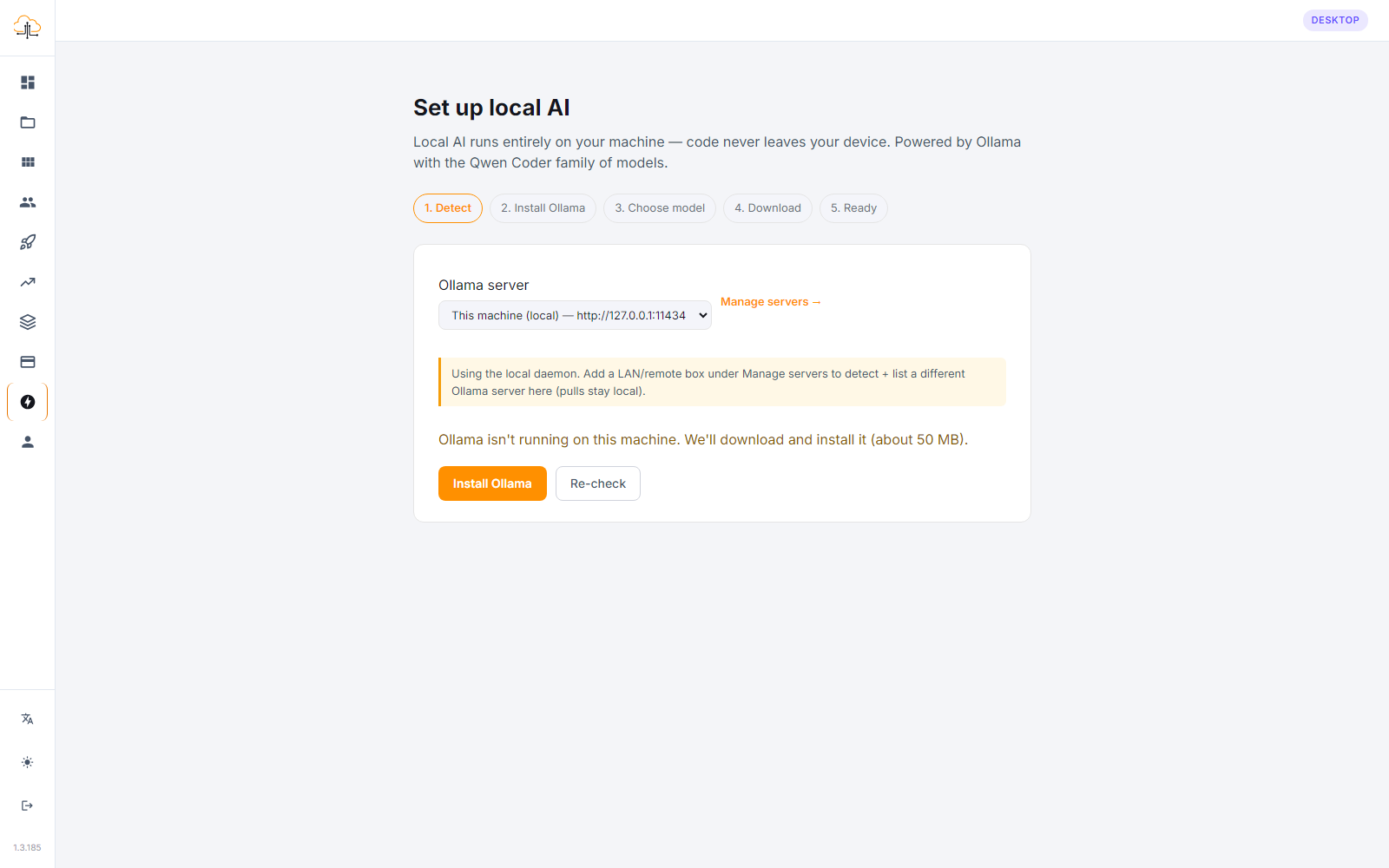
One of the biggest advantages of the CodeSky desktop app is that your projects can live right on your own computer. That means you can keep working even when you are away from a reliable internet connection.
Projects stored on your computer
With the desktop app, a project can be kept locally on your machine rather than only in the cloud. Your files stay with you, under your control, and you can open and edit them whenever you like, no matter where you are.
This is ideal if you prefer to keep your work close at hand, travel often, or simply want the reassurance of having your project on your own device.
Working offline
Because your project is local, you can continue many parts of your work without an internet connection. You can:
- Open and browse your project.
- View and edit your app's files.
- Preview and run your app on your computer.
- Make changes and keep building.
When your connection comes back, you can sync your work and pick up any features that need the cloud, such as cloud sign-in or online publishing.
Features that need the internet
A few things naturally require a connection, since they reach beyond your computer:
- Cloud-based AI generation, when you are using an online AI model.
- Publishing and deploying your app so others can use it.
- Syncing your projects across devices.
If you want AI help while fully offline, you can pair the desktop app with local AI models so the assistant runs on your own machine. See the article on Offline AI with Ollama for more.
Why this matters
- Keep working anywhere — on a plane, in a cafe with weak Wi-Fi, or anywhere offline.
- Stay in control — your project lives on your device.
- No interruptions — a dropped connection does not stop your progress.
Local and offline mode makes the desktop app a dependable companion, letting you build on your terms, online or off.
How to switch
To choose where a project is stored, or to change the default for new projects, see Choosing Local or Online storage for a project.