
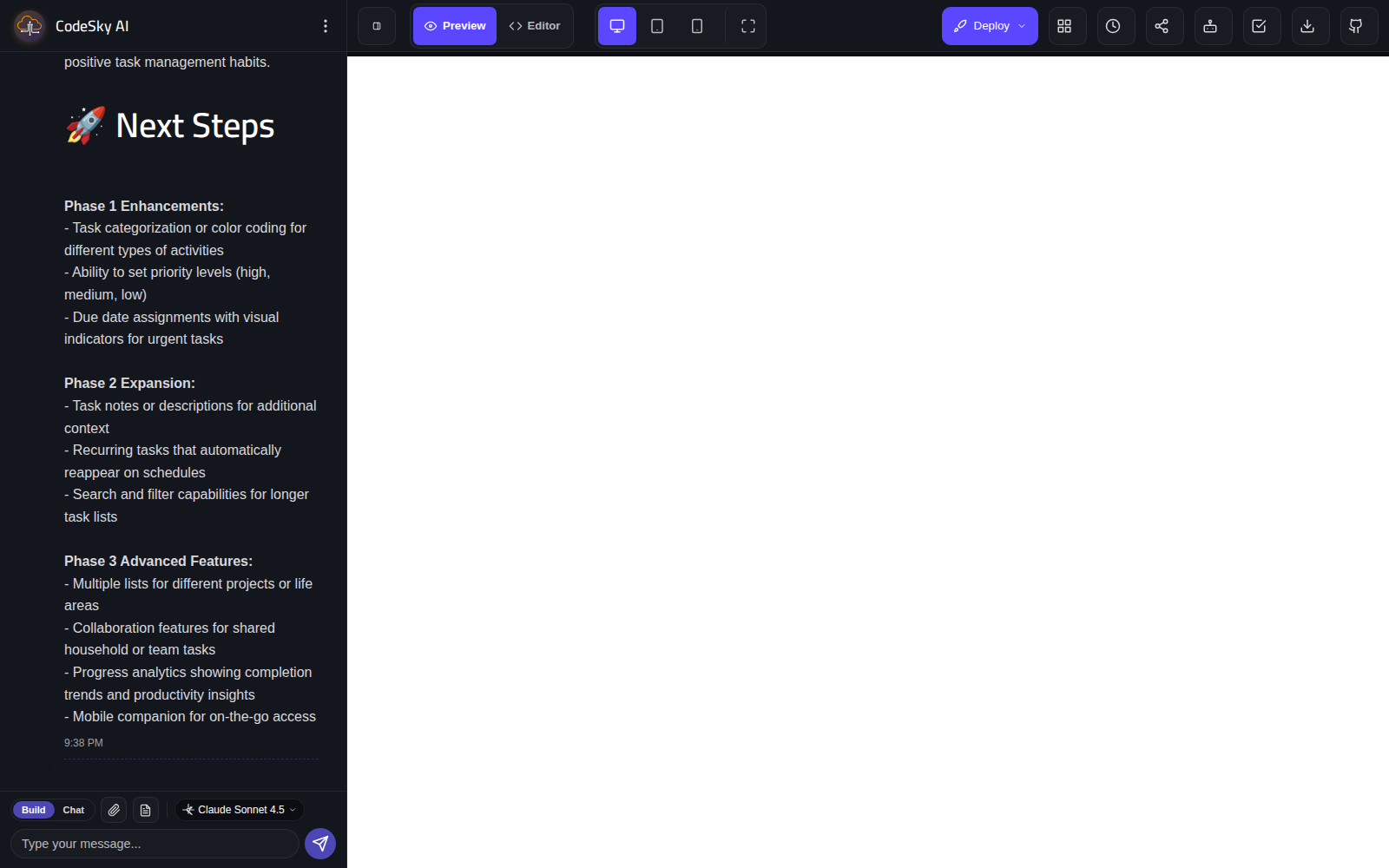
As you build in the web designer, two tools help you stay in control: the live preview shows your app running in real time, and the file explorer lets you browse the parts that make it up.
The live preview
The live preview shows your working app right beside your conversation with the AI. As your app is generated and updated, the preview keeps up, so you always see the latest version exactly as your users would.
With the live preview you can:
- Click through your app and move between screens.
- Try out features like forms, buttons, and menus.
- See changes appear as you make follow-up requests.
- Spot anything to adjust before you share or publish.
Because the preview updates as you go, it is your fastest way to confirm your app does what you expected. Make a request, watch the result, and keep refining.
Previewing different layouts
Many apps need to look great on more than one screen size. The preview lets you see how your app appears on larger and smaller screens, so you can check that it looks right whether someone visits on a computer or a phone before you put it in front of others.
The file explorer
The file explorer gives you an organized view of the parts that make up your app. It is a simple way to see the structure of your project and understand how your screens and pieces are arranged.
Use the file explorer to:
- Browse the parts of your app in one place.
- Get a sense of the structure as your project grows.
- Find a specific part you want to talk to the AI about.
You do not need to understand every detail to build successfully, the explorer is simply there when you are curious or want a clearer picture of your project.
Working with both together
The preview and the explorer complement each other. The preview shows you the experience, what your app looks like and how it behaves, while the explorer shows you the structure behind it. Glancing at both as you build gives you a complete, confident view of your project at every step.