
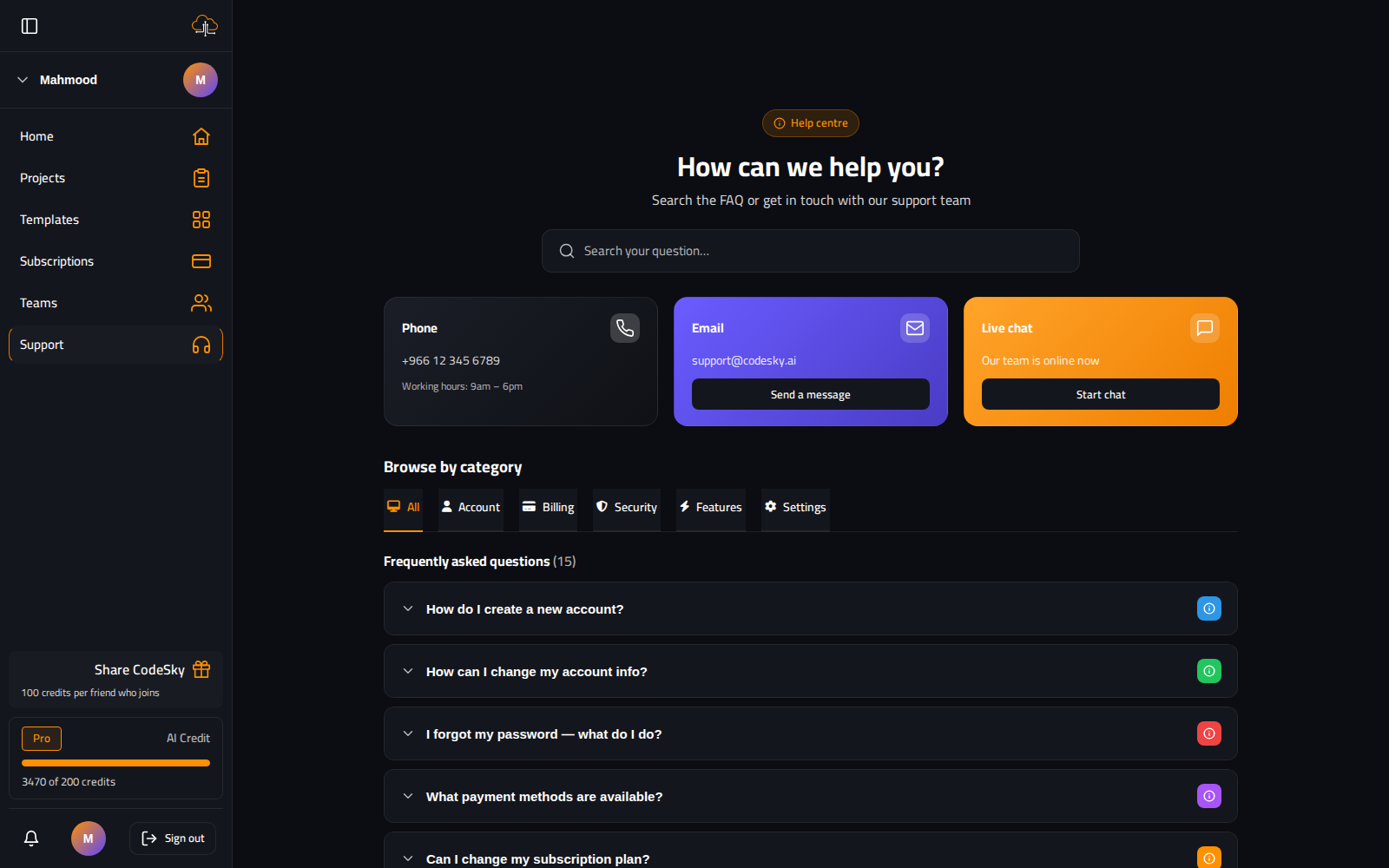
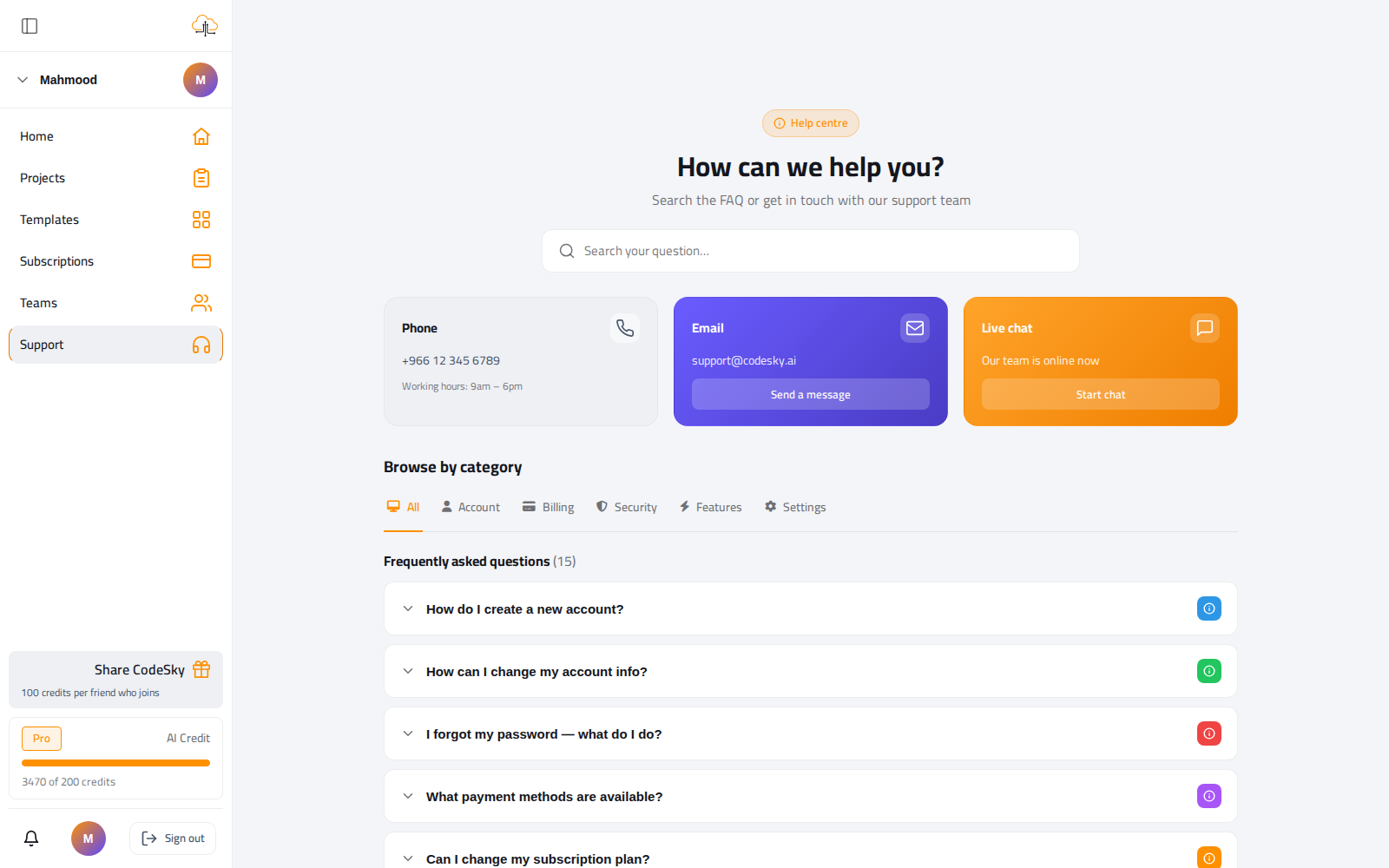
We watch these channels — pick the one that fits your question, and you'll usually hear back fast.
Where to reach us
- In-app chat support. The fastest route for account-specific questions. Open it from the bottom-right of the web app.
- Email. support@codesky.ai — for billing, account changes, and anything that needs a paper trail.
- Status page. status.codesky.ai — incident updates and maintenance windows. Check here first if something platform-wide seems off.
What to include in a ticket
- Your account email.
- The project GUID (visible in the URL when the Designer is open).
- The model you used and the timestamp of the failed generation.
- The exact error message — copy-pasted, not a screenshot.
Those four details usually let us reproduce the issue immediately instead of trading follow-up questions.
Try this first
- Paste the error into the chat and re-run with a different model — a large share of issues resolve in under a minute.
- Check the Status page for a known incident before reporting a platform-wide problem.
- Roll back and retry if a single generation went wrong.
FAQ
How fast will I get a reply?
In-app chat is quickest for account questions. Email is best for anything needing a record. Enterprise plans include a dedicated channel.
Where do I find my project GUID?
It's in the browser URL while the Designer is open — include it so we can look at the exact project.
Is there a status page?
Yes — status.codesky.ai shows incidents and maintenance. Check it before reporting an outage.