
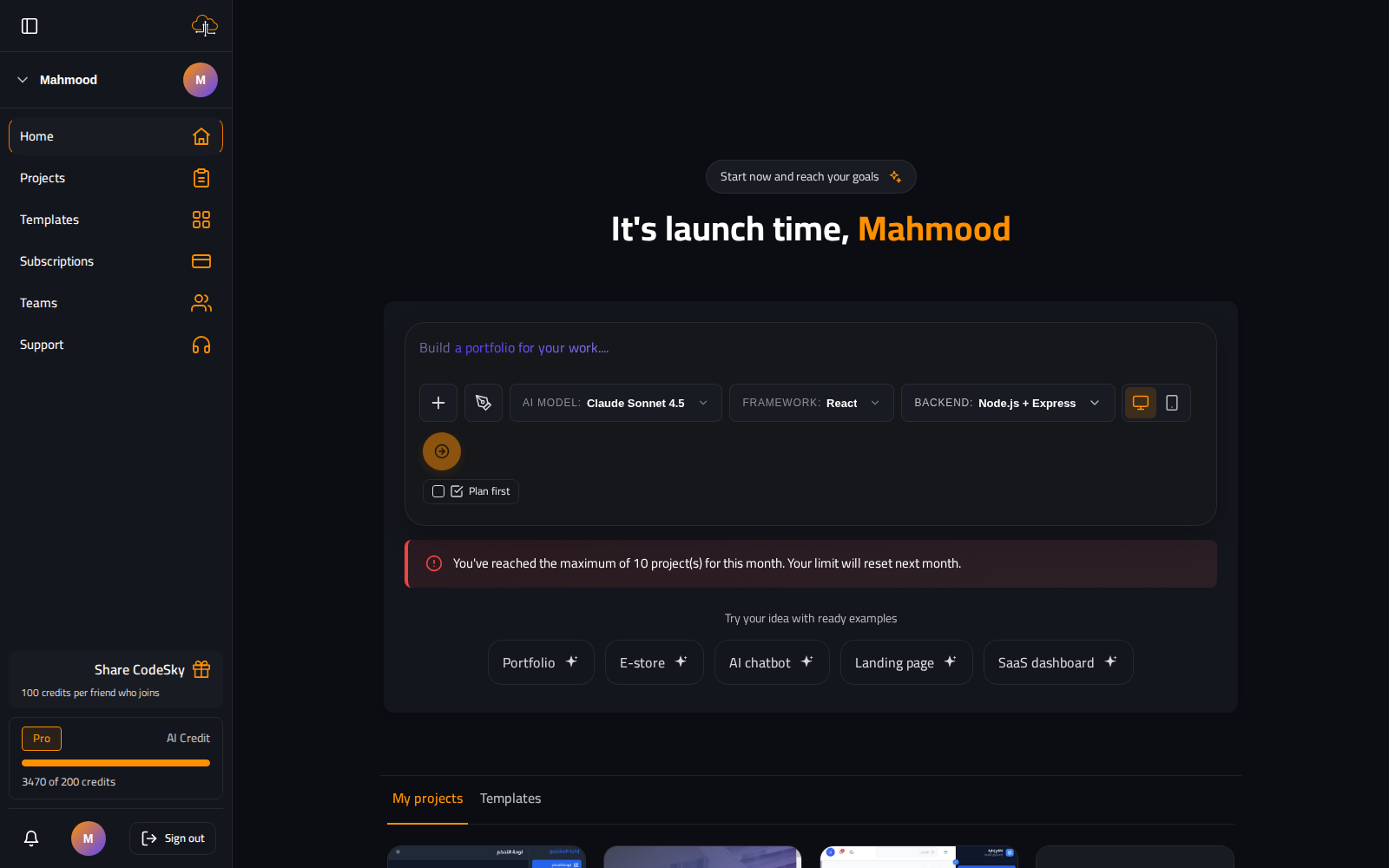
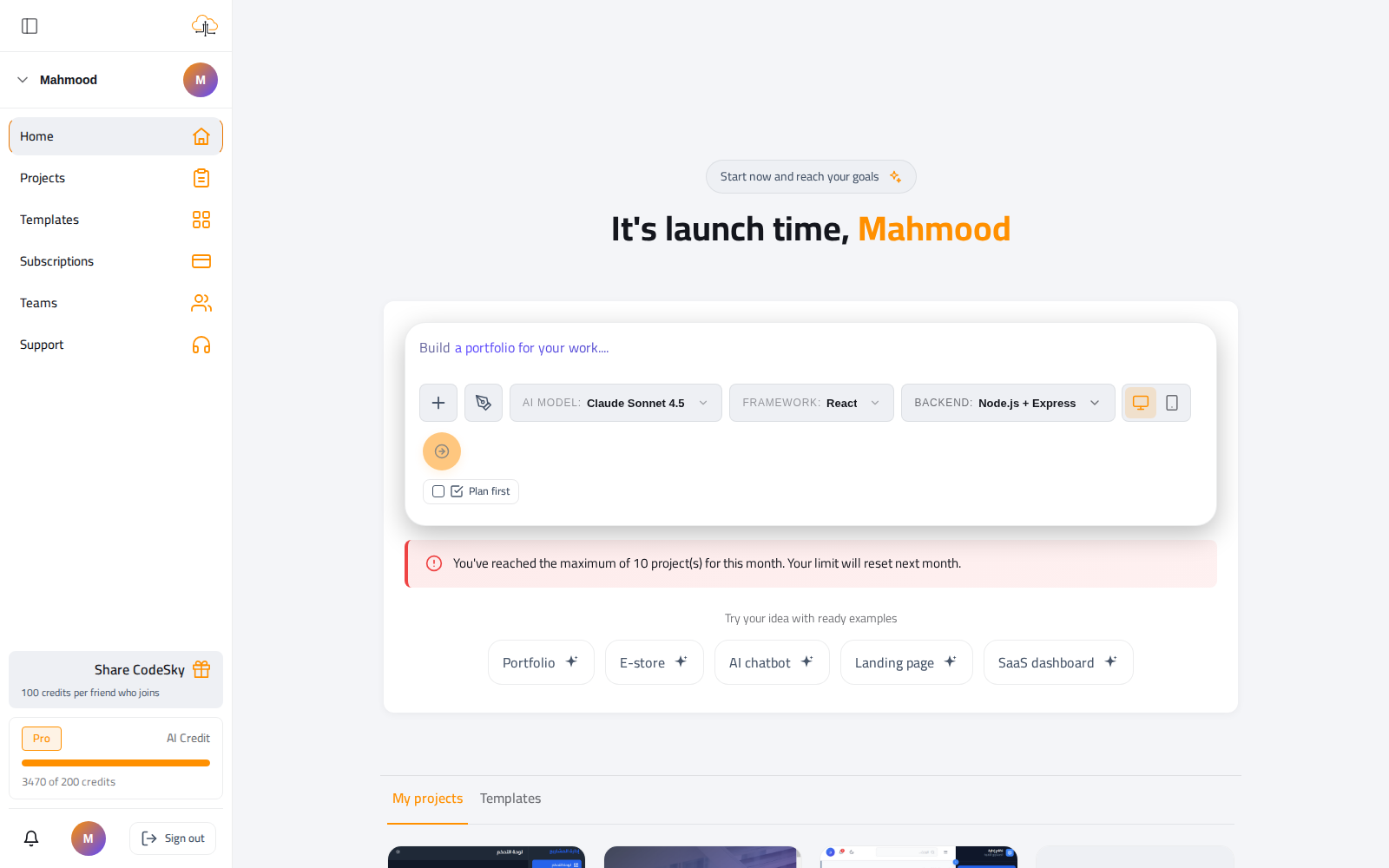
CodeSky exposes five providers; each has a sweet spot. The model you pick affects quality, speed, and which plans can use it — this guide helps you choose and switch confidently.
The model matrix
| Model | Best for | Latency | Notes |
|---|---|---|---|
| Claude (Sonnet / Opus) | Full apps, complex updates, refactors | Medium | Highest-quality default. Pro+ plans. |
| Grok Code Fast | Tiny edits, single-file changes | Low | Requires the Grok CLI on PATH. |
| Gemini 2.5 Pro | Long, structured outputs (CRUD scaffolds) | Medium | Default Free-plan model. |
| Groq (Llama 3.3 70B) | Quick experiments, very low latency | Very low | API mode — no CLI needed. |
| Ollama (DeepSeek Coder) | Air-gapped / privacy-first | Depends on hardware | Runs entirely on your machine. |
A simple rule of thumb
- Building or refactoring a whole app? Use Claude — it holds the most context and makes the fewest mistakes.
- One quick fix or a tiny tweak? Grok or Groq return in seconds.
- On the Free plan? Gemini is a strong default for scaffolding and CRUD.
- Privacy or offline? Ollama keeps everything on your machine.
Quality vs. speed
- Higher-quality models "think" more, so they're a little slower but need fewer correction rounds — usually a net time saving on real work.
- Fast models are perfect for obvious, well-scoped edits where you already know what you want.
- A common workflow: draft the full build with Claude, then switch to Grok for rapid touch-ups.
Switching mid-project
- Change the model at any point; the next message uses the new provider while the project context is preserved.
- Switching costs nothing — you're not restarting, just changing who does the next edit.
Common mistakes to avoid
- Using a fast model for a big refactor. It'll try, but a higher-quality model gets there in fewer rounds.
- Fighting a "CLI not found" error. That provider's binary isn't installed — just pick Gemini, Groq, or Ollama, which don't need one.
FAQ
Which model is free?
Gemini is the default on the Free plan. Claude and faster queues unlock on Pro and above.
Why is a model greyed out?
Your plan doesn't include it, or its CLI isn't installed in your environment. Upgrade, or choose an available model.
Will switching models break my project?
No — the project and its history stay intact. Only the provider for your next message changes.