
When your app is ready, you deploy it straight from the editor. CodeSky packages your project and pushes it to a deployment target you've configured — your own server, or a hosting provider you connect.
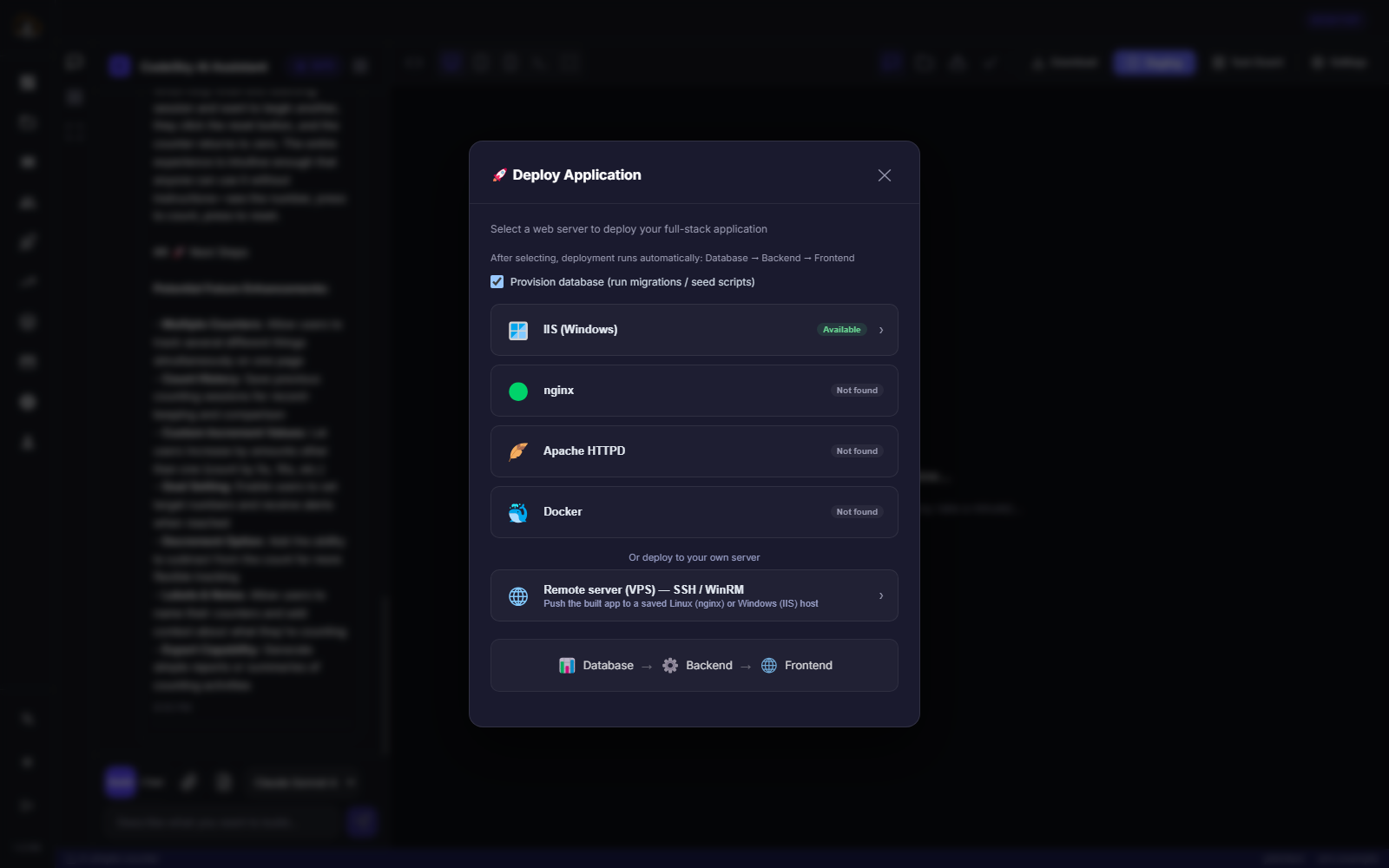
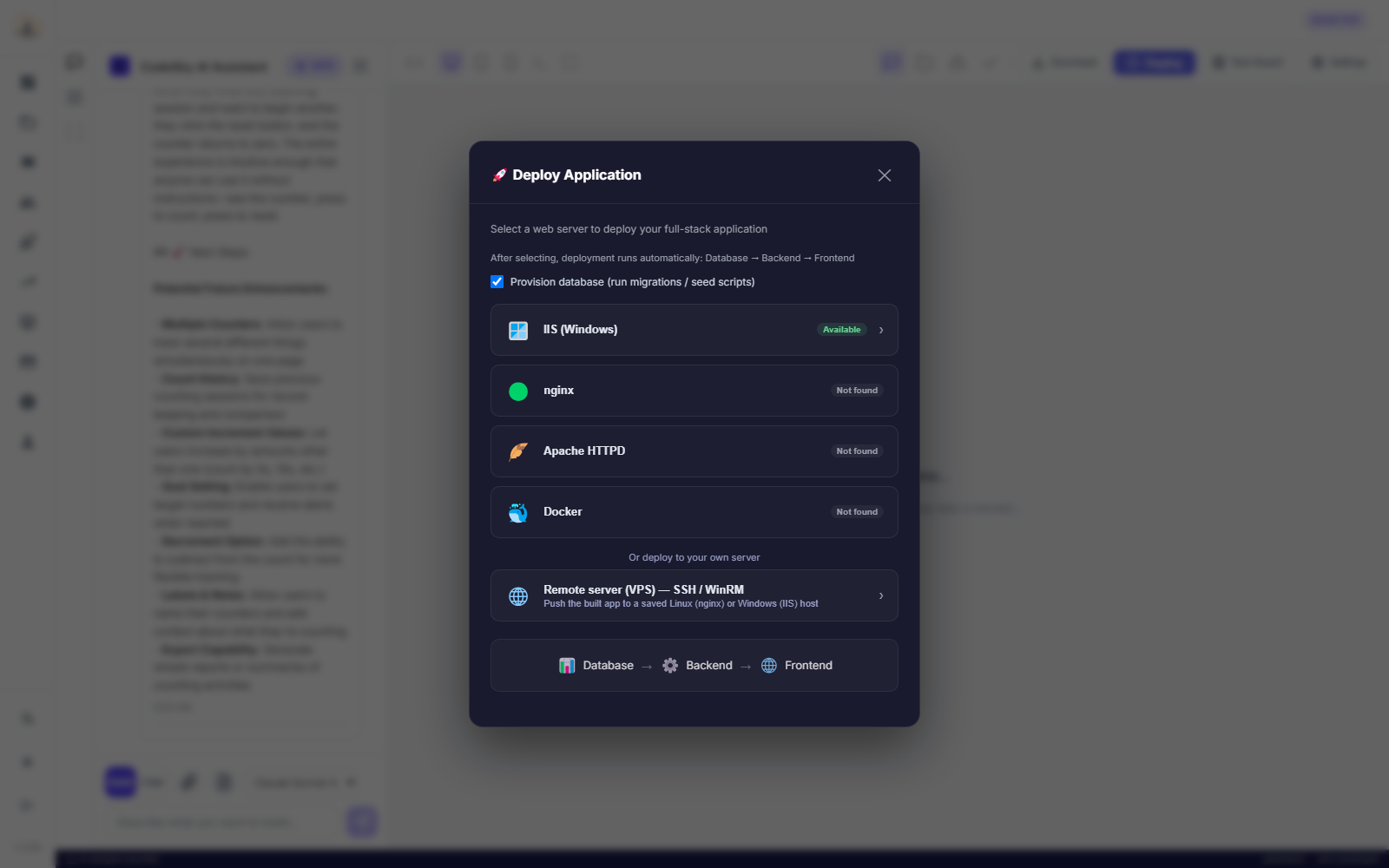
How to deploy
- Make sure the app builds and the live preview looks right.
- Set up at least one deployment target first (see Managing deployment targets).
- Open the Deploy action from the editor toolbar.
- Choose the target and environment you want to publish to.
- Confirm — CodeSky builds a production bundle, delivers it, and gives you the live URL.
What happens under the hood
- CodeSky runs your production build and packages the output.
- It transfers the files over the connection you configured (SFTP/SSH, cPanel, or a provider API).
- For server targets it places the files in the web root and can restart the service.
Deploy with confidence
- Deploy to a staging or dev target first, verify, then promote to production.
- Keep separate targets per environment so an experiment never lands on your live site by accident.
- Ask a DevOps agent to run your build and tests before you ship.
Common mistakes to avoid
- Deploying straight to production. Stage first; promote once it's verified.
- Shipping a build you didn't preview. Confirm the app works locally before pushing it out.
Managing deployment targets
A deployment target is a place you publish to — your own VPS over SFTP/SSH, a shared host via cPanel, or a hosting provider. You set one up once and pick it every time you deploy.
Adding a target
- Open Deploy Targets and choose New target.
- Give it a clear name, e.g. Hostinger prod.
- Pick the type — for a VPS or cPanel host choose SFTP/SSH.
- Set the environment (dev / staging / production) and the scope — just you, or shared with your workspace.
- Fill in the connection: host, port (22 for SSH), username, and password or key.
- Save. The target now appears in the Deploy dialog for every project.
Set up once, reuse everywhere
- Targets are not tied to a single project — one saved target deploys any app you build.
- Teams usually keep one target per environment and share the production one behind an approval step.
- Name targets after the environment rather than the project, so the list stays readable as it grows.
FAQ
Where can I deploy to?
Your own VPS over SFTP/SSH, a cPanel host, or a hosting provider — anything you set up as a deployment target.
Do I need to configure anything first?
Yes — add at least one deployment target. After that, deploying is a few clicks per release.
Can I roll back a deploy?
Keep environment targets separate and deploy staging first. For the app itself, your version history lets you rebuild and redeploy a previous state.